Sign in to view your generation history.
Consistent AI Face Motion for Video
Kling 3.0 Motion Control for Perfect Character Animation
Bring static images to life with zero distortion. Upload a character photo and a reference video, and let our AI seamlessly transfer complex movements and subtle expressions in seconds.
Introduction to Kling 3.0 Motion Control
Kling 3.0 Motion Control is an advanced AI feature designed to enhance video generation through precise motion replication and facial consistency. It builds upon earlier motion control technology but significantly improves identity stability and emotional realism.
Traditional AI video tools often struggle to maintain the same face across multiple frames, especially during complex movement or long video sequences. Kling 3.0 Motion Control solves this challenge by introducing Element Binding, which connects facial identity to motion data.
With Kling 3.0 Motion Control, the system extracts key facial information from uploaded images or videos and uses it as a reference to guide the generated animation. This ensures the character maintains the same identity, expressions, and visual clarity throughout the video.
The result is a more reliable AI video creation workflow that supports cinematic storytelling, character-driven content, and professional media production.
Key Features of Kling 3.0 Motion Control
Consistent Facial Identity from Any Angle
Kling 3.0 Motion Control keeps facial identity stable even when the character turns their head or the camera moves around the subject. This allows creators to produce cinematic shots with multiple angles while preserving the same face.
High-Precision Motion Capture
With Kling 3.0 Motion Control, movements from a reference video can be accurately reproduced by the generated character. The system captures subtle body movements, head rotations, and emotional cues.
Emotion-Accurate Facial Expressions
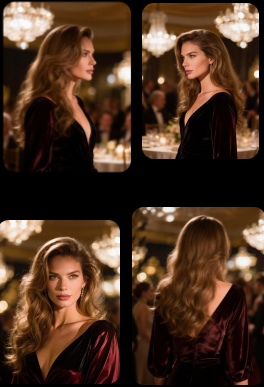
Kling 3.0 Motion Control reproduces complex emotional transitions such as smiling, sadness, or surprise with remarkable accuracy. Facial muscles, eye movement, and expression timing remain synchronized with the action.
Facial Restoration During Occlusion
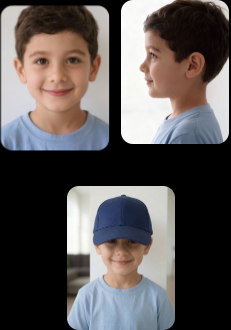
Even when a face is partially hidden by motion or camera framing, Kling 3.0 Motion Control intelligently restores the facial details to maintain clarity and identity.
Stable Facial Clarity Across Dynamic Framing
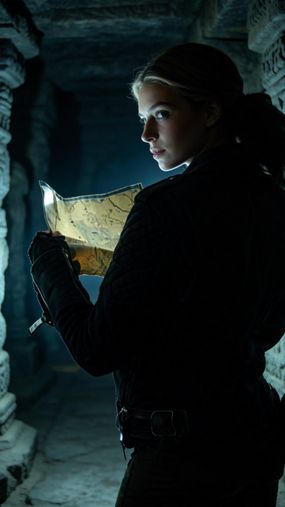
Zoom-ins, zoom-outs, and camera movements often distort faces in AI video generation. Kling 3.0 Motion Control ensures the face remains sharp and consistent regardless of framing changes.
Motion Control needs a reference video to drive the action. You can also generate 30-second video with Kling 4.0 from text, images and reference media in one pass.
Why Use Kling 3.0 Motion Control
Consistent Facial Identity from Any Angle
Motion Reference
Image Reference

Output
Complex Emotions, Faithfully Reproduced
Motion Reference
Image Reference
Output
Face Occlusion, High-Fidelity Restoration
Motion Reference

Image Reference
Output
Consistent Facial Clarity Across Dynamic Framing
Motion Reference
Image Reference
Output
Gallery
Kling 3.0 Motion Control Video Gallery
Explore professional videos created with Kling 3.0 Motion Control. Each example showcases motion transfer and consistent facial identity.
How to Use Kling 3.0 Motion Control
01

Upload a motion reference video and character image.
Upload a motion reference video and character image.
02
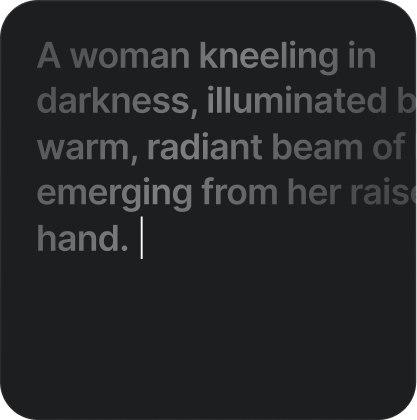
Enter a prompt to control background and scene details
Enter a prompt to control background and scene details
03
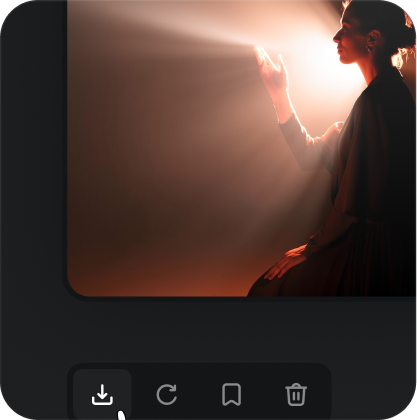
Generate your motion-controlled video with Kling 3.0 Motion Control
Generate your motion-controlled video with Kling 3.0 Motion Control
Kling 3.0 Motion Control FAQs
Start Creating with Kling 3.0 Motion Control
Create cinematic AI videos with consistent facial identity and precise motion.
Try Kling 3.0 Motion Control today and produce professional-quality AI videos with stable faces and smooth motion across every scene.