Free AI motion control online
Free AI Motion Control Video Generator
Create AI videos with motion control online using Kling Motion Control. Upload a reference video and character image, then generate a motion-controlled video that follows the action, timing, and camera movement.
UPLOAD
JPG, JPEG, PNG
Max 10MB, Min 300×300px
Aspect ratio: 1:2.5 ~ 2.5:1
UPLOAD
MP4, MOV
Max 100MB, Min 3s
Max 30s (Video mode)
When Character Orientation matches the video, complex motions perform better; when it matches the image, camera movements are better supported. Please upload according to the . For more skills, refer to the User Guide.
Billed duration is rounded up to the nearest second. Videos under 5 seconds are billed as 5 seconds.
What Is Free AI Motion Control?
Free AI motion control helps creators test motion-controlled video generation before choosing a paid workflow. Instead of describing every movement with text, you provide a reference video for the action and an image for the character or subject.
The generator uses the reference motion to guide body movement, facial expression, timing, and camera rhythm. It is useful for trying AI dance clips, avatar animation, creator ads, character performances, and image-to-video experiments without starting from a blank prompt.
Free AI Motion Control Features
A focused workflow for creators who want to test motion-controlled AI video generation with reference motion and image-to-video inputs.
Reference Video Motion Control
Guide the generated video with a motion reference instead of relying only on text prompts. This helps the output follow clearer action, timing, and camera movement.
Image-to-Video Character Animation
Upload a character image, portrait, avatar, or product-style subject and use AI motion control to turn it into a moving video scene.
Free Trial Workflow
Start with a free motion control workflow to test whether your reference video and image are suitable before scaling into more generations.
Camera and Action Guidance
Use the motion reference to guide action pace, framing, camera rhythm, and performance cues for more predictable AI video results.
Prompt-Based Scene Refinement
Add a text prompt to describe background, mood, lighting, style, clothing, or scene details while the motion reference controls the movement.
Beginner-Friendly Creation
Create motion-controlled AI videos online with a simple upload-and-generate process, suitable for creators testing AI video for the first time.
Free AI Motion Control vs Kling Motion Control
Choose the page that matches your goal: test a free AI motion control workflow, use the core generator, or move into advanced character animation.
Free AI Motion Control
Free entry
Kling Motion Control
Core generator
Kling 3.0 Motion Control
Advanced animation
Best for
Trying AI motion control online before scaling
Creating motion-controlled image-to-video results
Advanced character animation and facial consistency
Search intent
Free AI motion control tool and beginner workflow
Motion transfer generator with reference video controls
High-quality motion control for character scenes
Primary input
Reference video, character image, and prompt
Reference video, image input, and production settings
Character reference, motion video, and detailed scene prompt
Use cases
Quick tests, AI dance, avatar trials, creator demos
Image-to-video animation, ads, social videos, motion transfer
Cinematic shots, expression-heavy clips, identity-stable scenes
Free AI Motion Control Examples
See how a motion reference, an image input, and an AI-generated output work together in a free AI motion control workflow.
Synchronized Full-Body Motion
Use a clear full-body reference video and a matching character image to generate a motion-controlled AI video with synchronized body movement, posture, and rhythm.
Full-body action reference for timing and pose control.
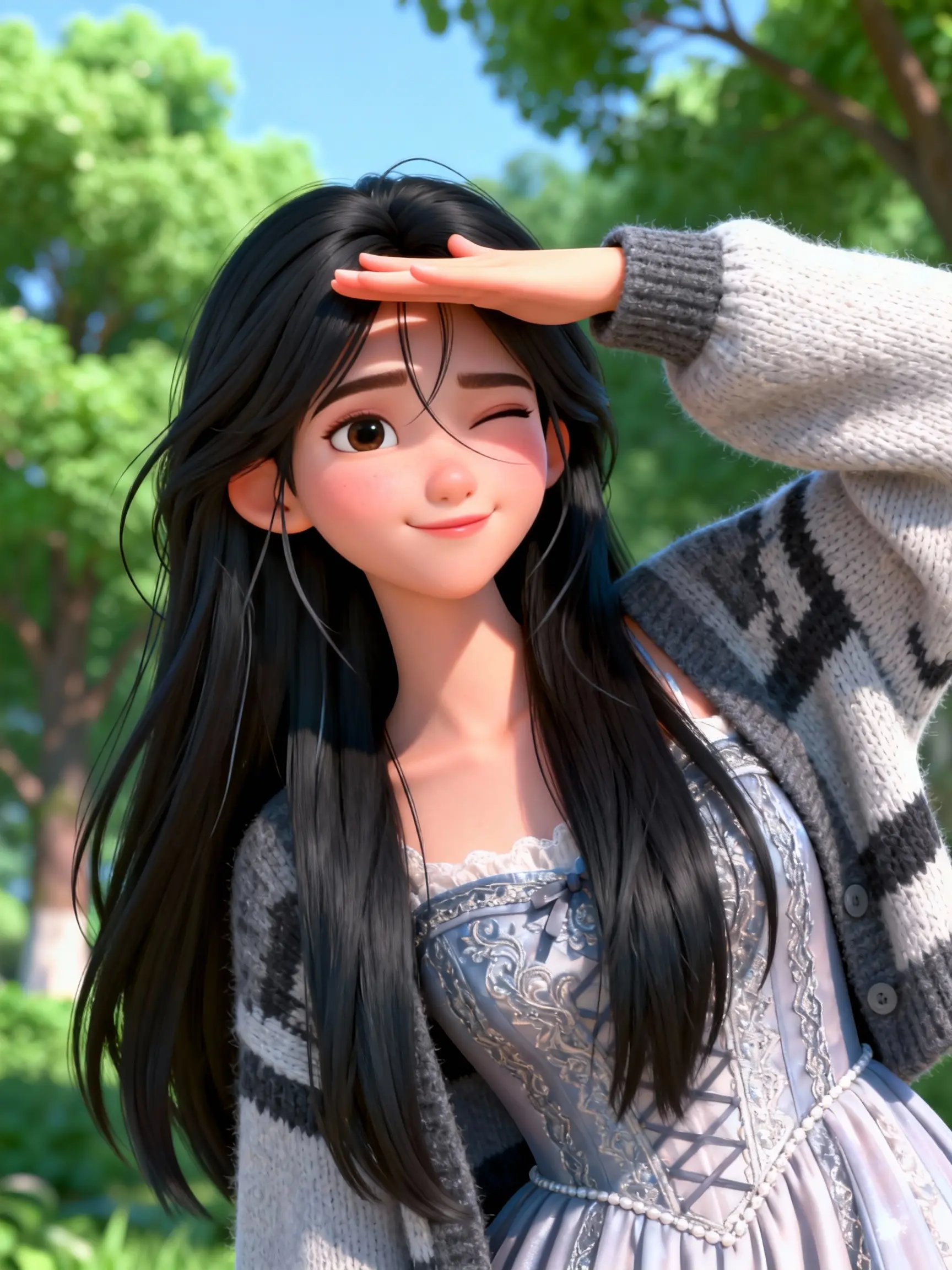
Character image prepared for full-body motion transfer.
Generated AI video following the full-body reference motion.
Dynamic Character Action
Test free AI motion control with a dynamic action reference to see how the generated character follows larger body movement, direction changes, and timing.
Dynamic motion reference for larger body movement.
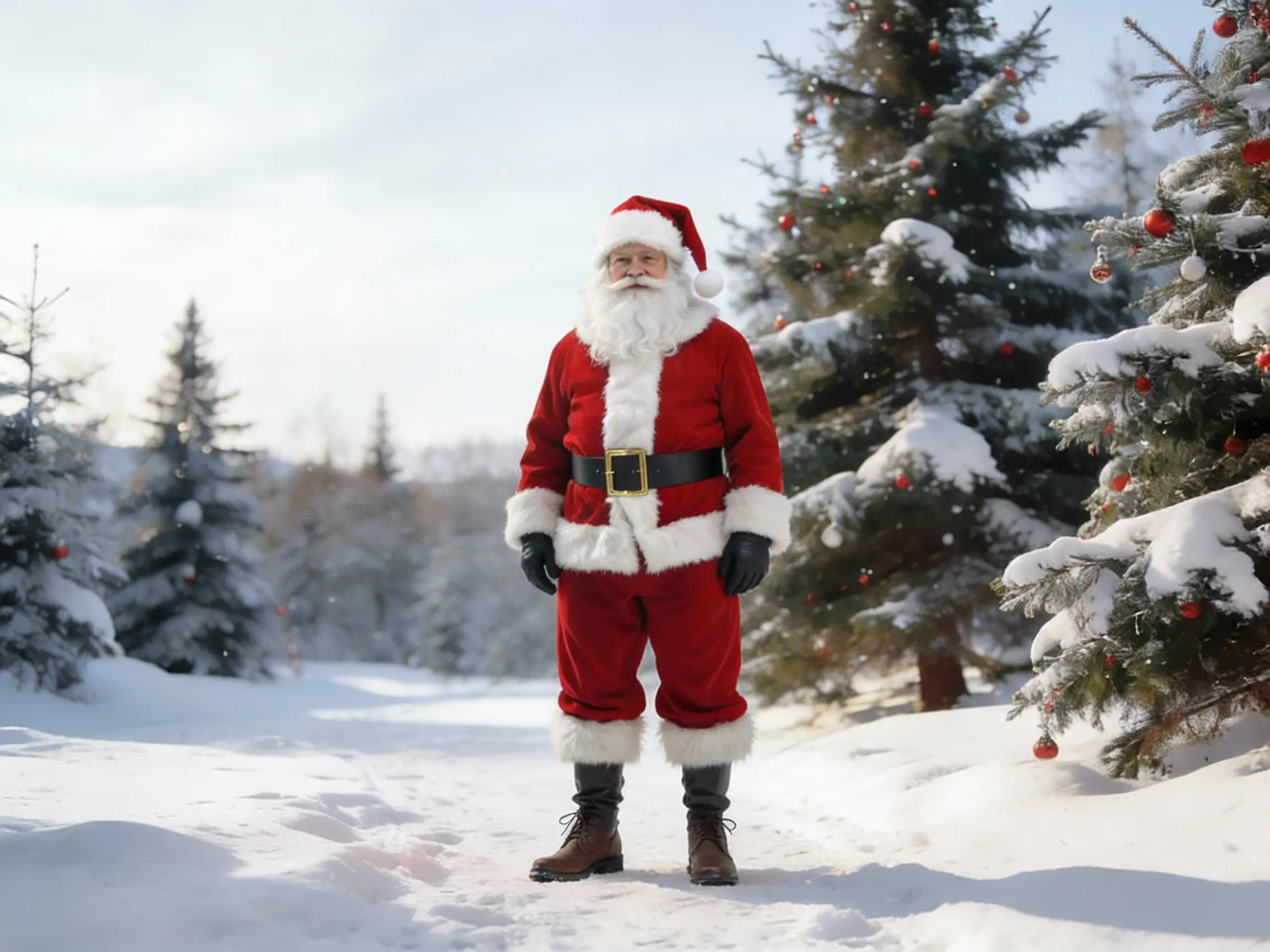
Character image prepared for action-driven motion control.
Motion-controlled output following the dynamic action reference.
Gesture-Based Character Performance
Use a gesture or performance reference to guide facial expression, hand movement, and upper-body action for avatar clips, social posts, and character animation tests.
Gesture reference used to guide upper-body action.
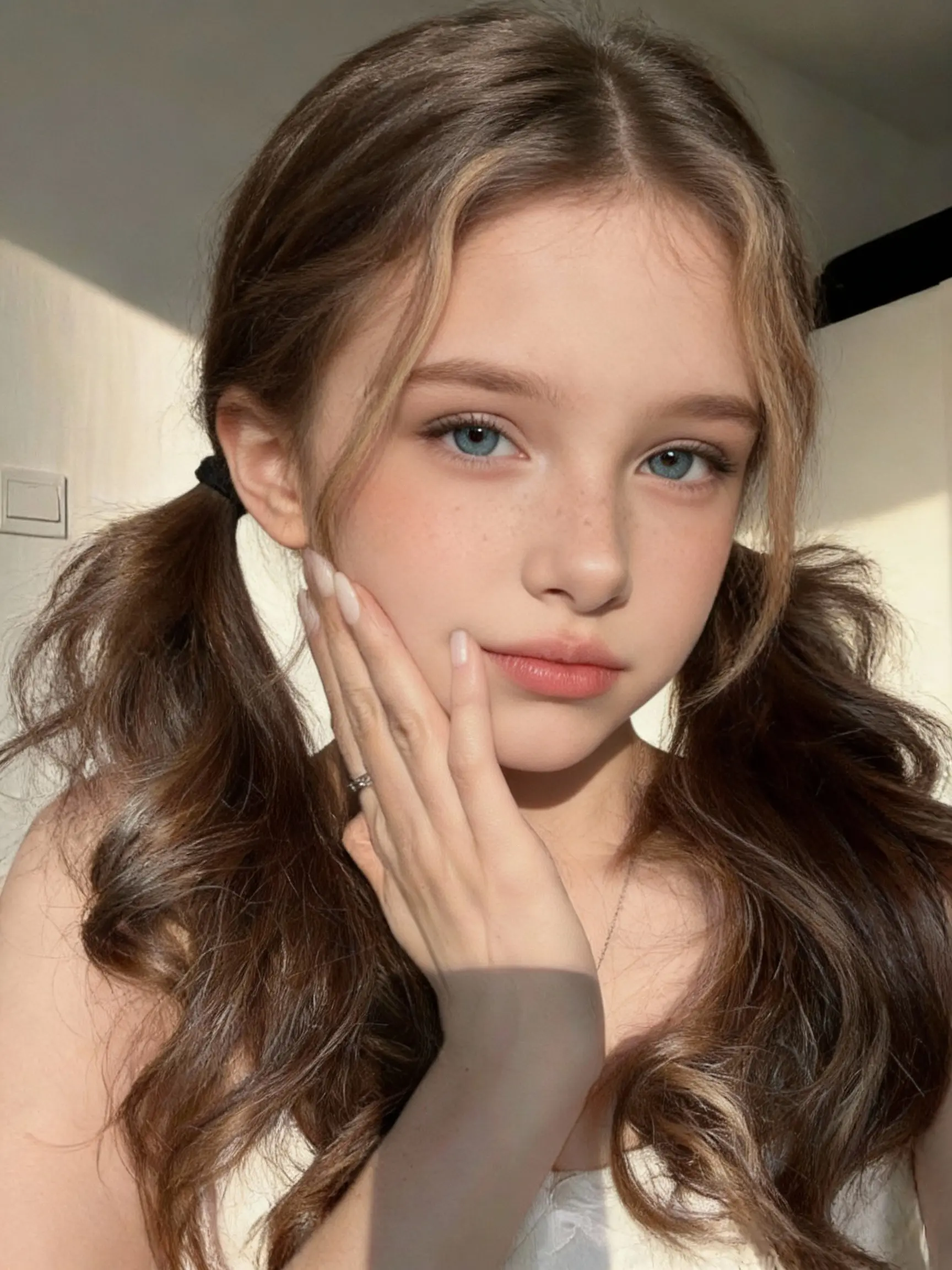
Character image aligned to the gesture performance.
Generated AI video following the gesture and body timing.
How Free AI Motion Control Works
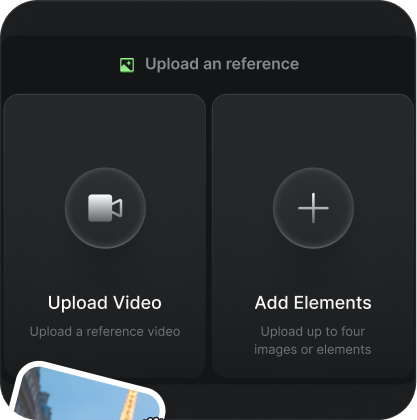
Upload a motion reference video and character image.
Add a reference video for the action and upload the character image you want to animate.
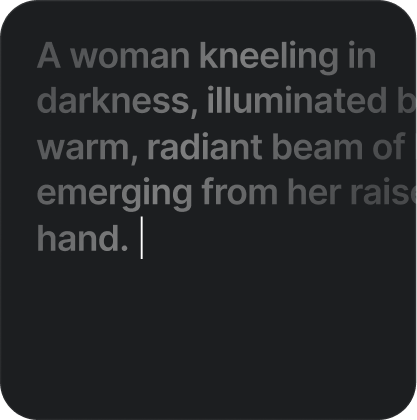
Enter a prompt to control background and scene details
Describe the background, lighting, style, clothing, mood, or other visual details for the generated scene.
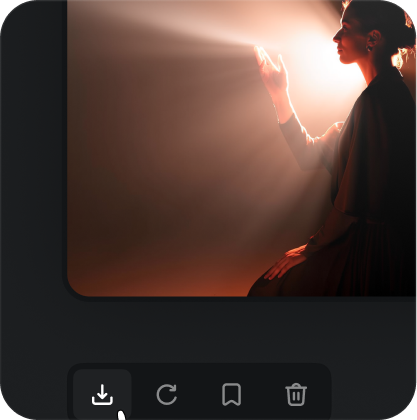
Generate your motion-controlled AI video
Create the output video and review how the result follows the reference action, timing, and camera movement.
Free AI Motion Control FAQ
Try Free AI Motion Control Online
Upload a reference video and image to test motion-controlled AI video generation.
Start Free Motion Control