P-Video Animate Online AI Image to Video Motion Transfer Tool
Use P-Video Animate online on Kling Motion to animate a still image with a driving video. Upload an image and reference video to create AI motion-transfer videos for avatars, ads, memes, and social media clips.
UPLOAD
JPG, JPEG, PNG
Max 10MB, Min 300×300px
Aspect ratio: 1:2.5 ~ 2.5:1
UPLOAD
MP4, MOV
Max 100MB, Min 3s
Max 20s
What Is P-Video Animate?
P-Video Animate is an online AI motion-transfer tool that animates a single reference image using a source video as the motion driver. It preserves the original acting, timing, camera movement, and scene structure from the driving clip while restyling the output around the supplied image. It is well suited to UGC ad variations, meme remixes, character or avatar recasting, and other high-volume creative workflows that need fast, repeatable image-to-video animation with strong motion fidelity.
Need to replace a product, object, or character inside an existing AI video instead? Use P-Video-Replace for AI video object replacement.
P-Video Animate Features
Motion Transfer From a Driving Video
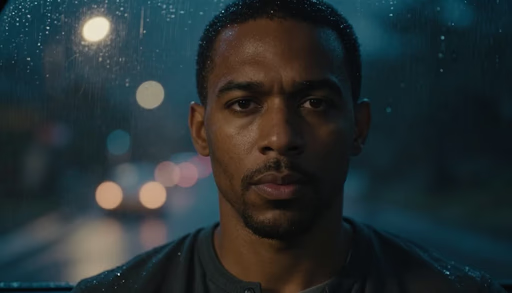
P-Video Animate uses a source video as the motion driver and applies that movement to a separate reference image. This makes it useful when the original clip already contains the timing, acting, and camera behavior you want to keep.
Strong Motion and Timing Fidelity
The model is built to preserve the original motion, acting cadence, scene structure, and camera movement from the driving video rather than inventing new animation behavior from scratch.
Reference-Image Restyling
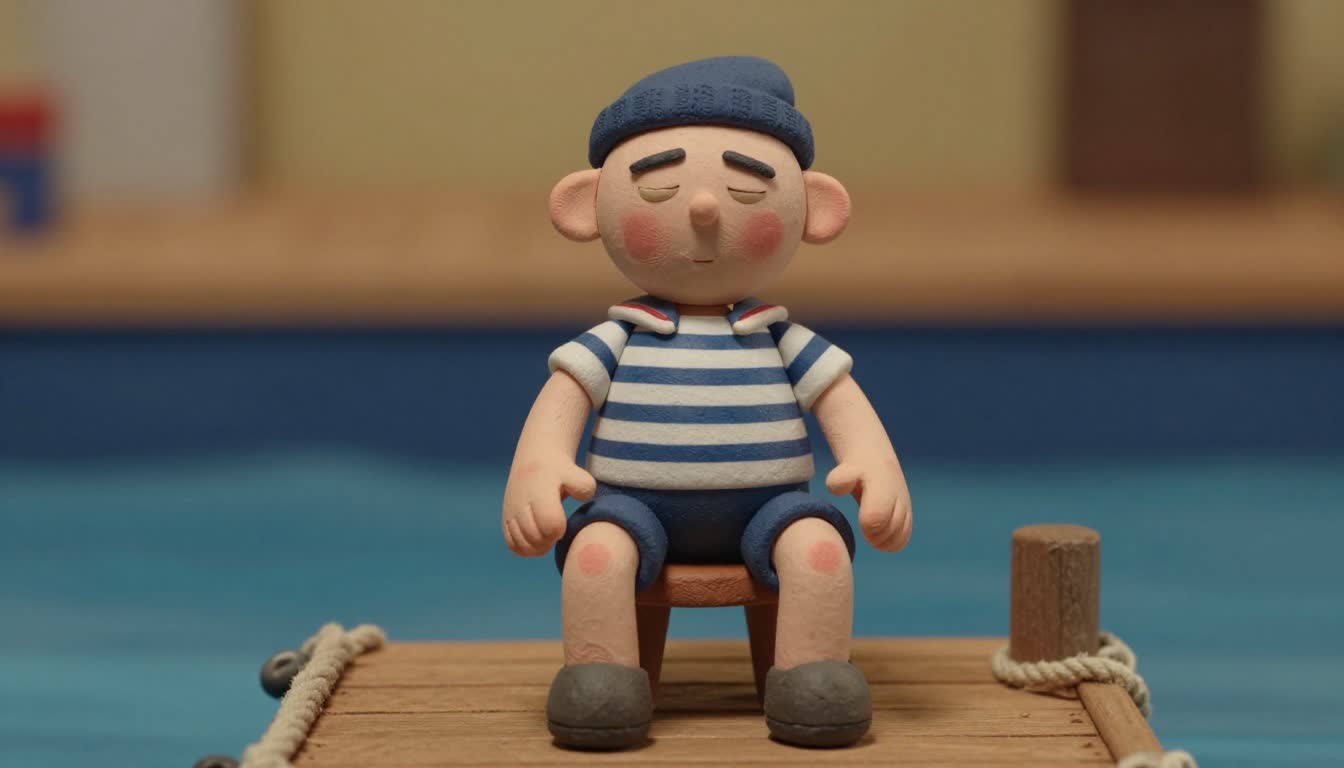
The output inherits the visual identity and style of the supplied image, making it suitable for recasting scenes with a different character, avatar, mascot, or subject while keeping the original performance pattern.
Efficient High-Volume Workflow
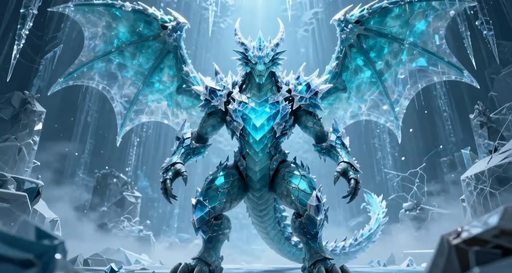
The model is positioned for scalable creative production where many variations need to be generated from reusable motion templates.
P-Video Animate Use Cases
UGC Ad Variations
Create multiple ad creatives by applying the same performance video to different product images, characters, or visual concepts.
Avatar and Character Animation
Animate a single character image using the movement and timing from a source video, useful for creators, games, virtual personas, and entertainment workflows.
Meme Remixes
Apply recognizable motion from a video clip to a new image for fast meme-style video generation.
Product Visuals
Animate static product or brand assets using guided motion to create short-form promotional videos.
Casting and Recasting
Use a reference video's performance while restyling the output around a new image, character, or visual identity.
Social Media Clips
Generate short, repeatable, motion-driven videos for TikTok, Instagram, YouTube Shorts, and paid social campaigns.
P-Video Animate Gallery
See how a reference image and driving video combine into a motion-transfer output.
Image Reference
Video Reference
How to Use P-Video Animate
Upload Your Reference Image
Start with the image you want to animate, such as a person, character, avatar, product, or creative asset.
Add a Driving Video
Provide a source video that contains the motion, timing, camera movement, or performance you want the image to follow.
Generate the Animated Video
Run P-Video Animate to create a new video that applies the motion from the driving clip to your reference image, ready for ads, social media, avatars, memes, or creative workflows.
P-Video Animate FAQ
Start Creating with P-Video Animate
Use P-Video Animate online to animate a still image with a driving video. Create AI image-to-video clips for avatars, UGC ads, memes, characters, products, and social media.