Hotel Lobby AI Video Generator

Hotel Lobby AI Video Generator

Turn two photos into a Hotel Lobby-style rap duet video. AI writes lyrics, builds the beat, animates two performers trading bars on an orange studio backdrop — generate shareable clips in minutes, no filming needed.

Black suit and red suit

1080p · 16:9

Reference images

Black suit and red suit reference 1Black suit and red suit reference 2

What Is the Hotel Lobby AI Trend?

Hotel Lobby AI turns the familiar orange-studio performance format into a scene with your own cast. Two subjects share the frame, a microphone hangs between them, and their gestures create the feeling of a rap duet. The name comes from Quavo and Takeoff’s HOTEL LOBBY performance on A COLORS SHOW. The location people recognize is the studio, rather than an actual hotel reception area.

Your version starts with the people you want viewers to recognize. That could be you and a friend, a couple with matching outfits, or two original characters with opposite personalities. A lead performer and a reacting partner give the scene a simple story: one takes the spotlight, the other answers, and both remain part of the moment. The orange background keeps attention on their expressions and interaction.

This Hotel Lobby AI video generator provides a fixed performance reference above two image slots for your left and right performers. The studio handles the scene description automatically and creates a ten-second clip with the reference audio. Upload both performer photos, choose your quality and framing, and generate. The supplied clip guides the performance while your two photos guide the cast. Review the result before downloading because likeness, gesture quality, and timing can vary.
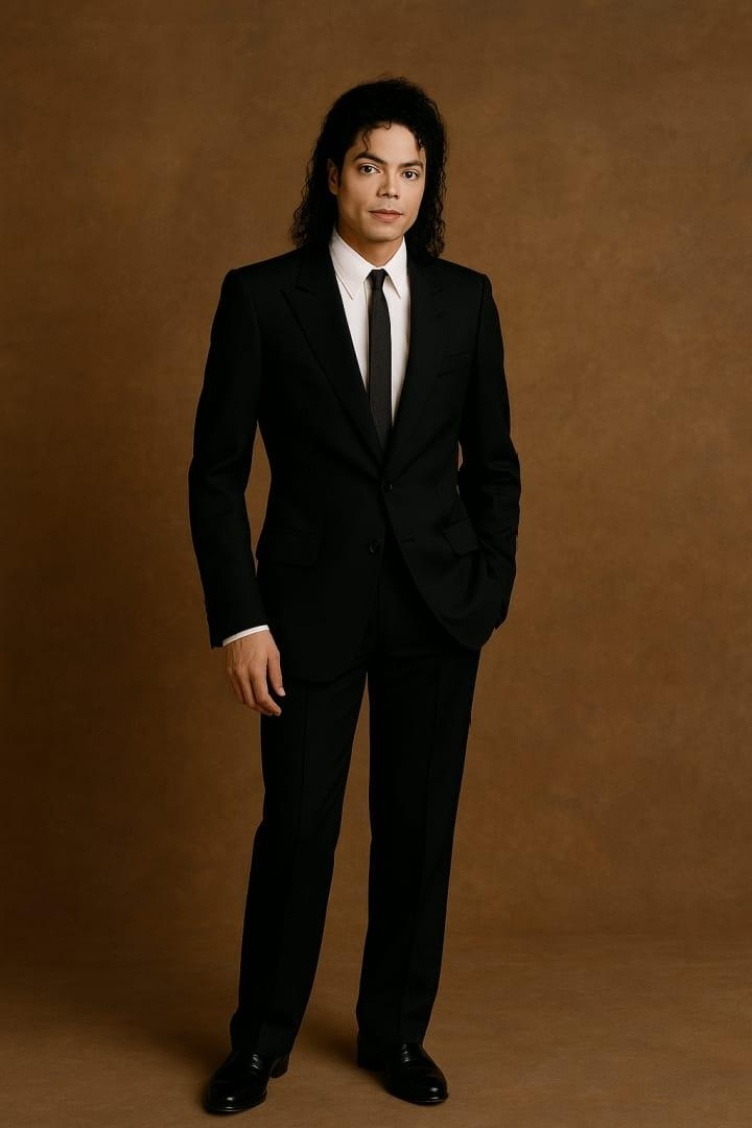
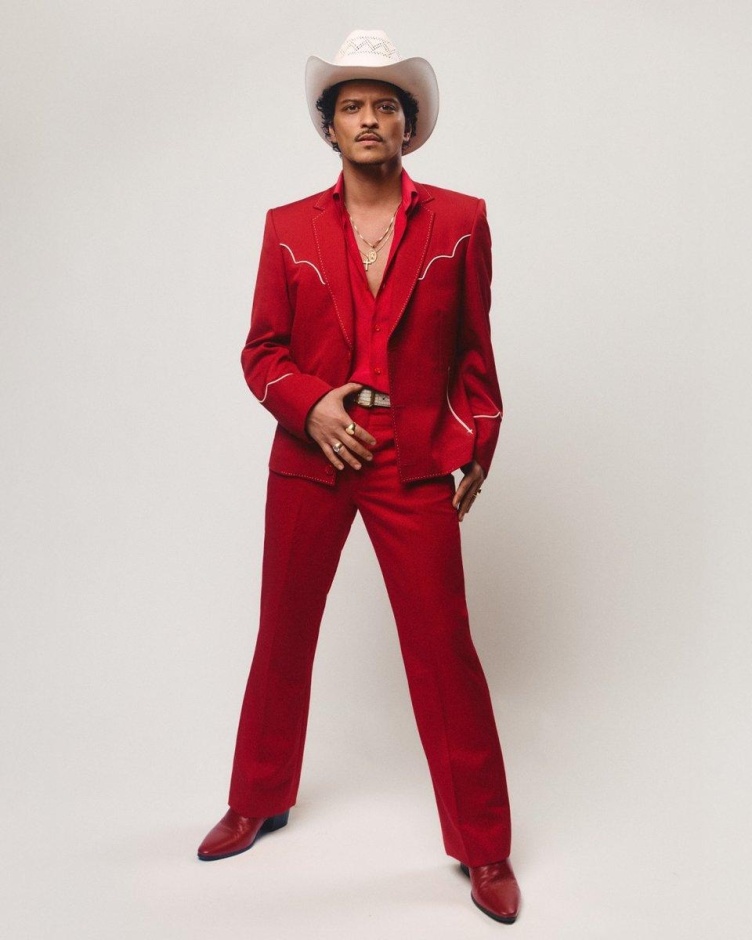
Make the Hotel Lobby Look Your Own

Guide the people, performance, and framing from one video studio.

Your Cast, Clearly Defined

Give each performer a clear visual reference and a defined place in the scene. Explain which image represents the left subject and which represents the right. Clothing, hairstyle, and visible accessories help you describe the roles without relying on names alone. When reviewing your clip, check whether each person remains recognizable during turns and reactions, as well as in the opening frame.

The Orange Studio Setup

The visual setup is easy to describe: a warm orange studio, a plain background, and a suspended microphone between two performers. Keep the environment simple if the pairing is the main joke or story. A busy set can compete with the faces and gestures. You can describe different lighting or wardrobe while retaining the basic composition that makes a Hotel Lobby AI video recognizable.

Reference-Guided Performance

A reference video gives the model movement information that still images cannot supply. Use it when the timing of a turn, point, or reaction matters to your idea. Performer photos guide appearance while the clip guides the action. Following a reference remains a generation task, so inspect the resulting gestures and avoid assuming that every original frame or mouth movement will be reproduced exactly.

Control the Mood

Set the energy through the interaction between the performers. A confident lead and an understated partner create a different scene from two people making large gestures together. Ask for small head movements, an amused reaction, or a brief exchange at the microphone. Start with one readable action for each person, then add complexity once you have a version with a convincing cast.

Choose Your Framing

Choose the composition before generating rather than planning to fix everything with a crop. A landscape frame gives two people space for arm movement, while a vertical frame needs tighter staging around the microphone. The studio offers landscape, vertical, and square ratios. Whichever you choose, describe where the performers stand and leave enough room for their faces, hands, and movement.

Refine Before Sharing

Preview the complete video, including the moments between the main gestures. Watch for a face changing during a turn, an outfit merging with the other person, or a hand becoming unclear near the microphone. Change the part of the input connected to the issue: improve a reference, simplify an action, or clarify a role. Keep the successful elements so each revision has a specific purpose.

Why Create Your Hotel Lobby AI Video Here?

Your Cast, Your Scene

Use your own reference photos and adapt the orange-studio scene to your pairing. Keep the familiar hanging microphone while choosing the outfits, mood, and interaction.

A Ready Starting Point

The scene description is handled automatically. Upload both performer photos, choose your quality and framing, and preview the result in one place.

Flexible Video Settings

Choose your resolution and framing. Every generation uses ten seconds and keeps the reference audio. Check the credit cost before generating, then download your result.

From Photos to a Hotel Lobby AI Video

Compare the input photos with the resulting performance across four casting ideas.

Best Friends, One Mic

Two friends, two photos, one orange booth. Give one the lead and let the other bring the reactions.

A Couple’s Duet

Share the mic with your partner. Try coordinated outfits, playful gestures, and a moment made for the two of you.

One Photo, Two Performers

Already have a photo together? Use a clear shared image to bring both people into the studio.

Pets Behind the Mic

Put your pets in the spotlight. Start with a clear photo of each and try a playful orange-booth duet.

How to Make a Hotel Lobby AI Video

Bring two portraits into the orange booth and create a duet with your own cast.

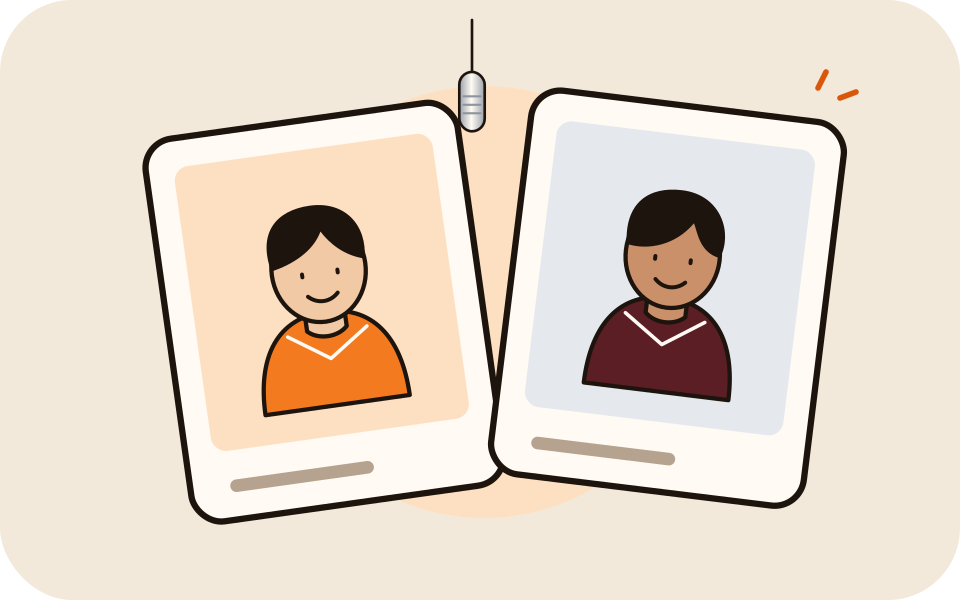
Two portrait photos beneath a hanging microphone
01

Add Your Photos

Place a portrait in each performer slot to assign the left and right roles. Choose bright, sharp photos with faces and clothing clearly visible. Starting with a photo together? Crop each person into a separate image before uploading.

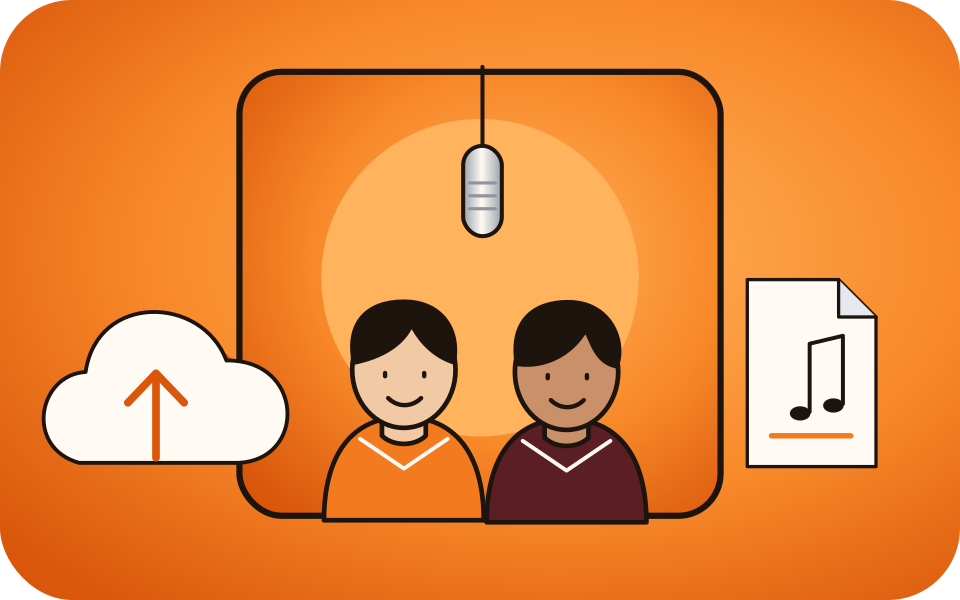
Two performers in an orange recording booth
02

Choose Your Video Settings

Pick a resolution and aspect ratio, then review the credit cost. The included performance clip guides the orange-booth scene and movement. Your video runs for ten seconds with reference audio enabled, and the scene prompt is already prepared.

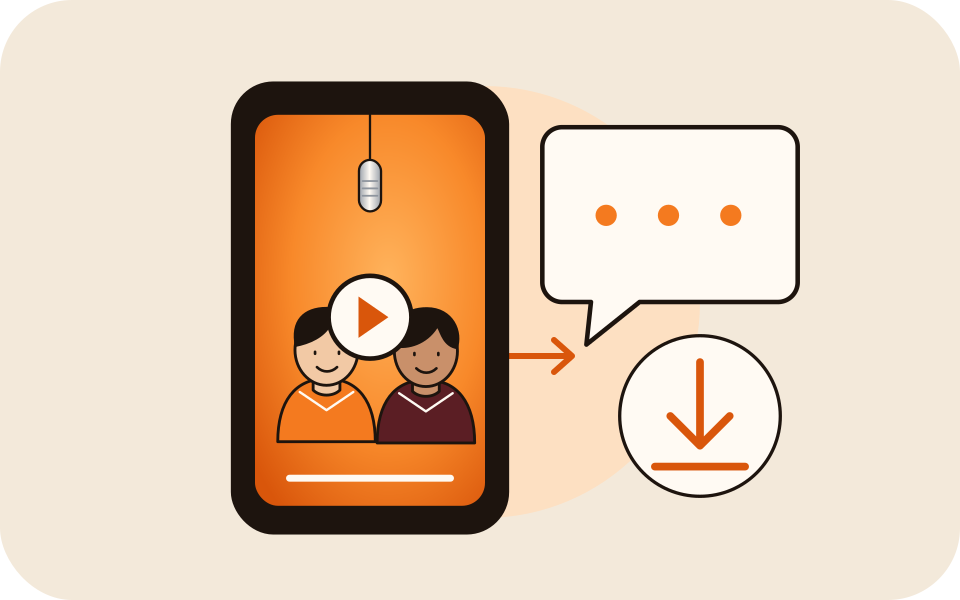
Video preview and download illustration
03

Generate, Review and Download

Start generation, then preview the completed performance. Check each face, the gestures, and the framing throughout the clip. When you are happy with the result, download your video and share it with friends or on social media.

Hotel Lobby AI FAQ

What is the Hotel Lobby AI video trend?

It is a short performance-video format built around a recognizable orange studio, two performers, and one hanging microphone. The name refers to HOTEL LOBBY by Quavo and Takeoff and its A COLORS SHOW performance. AI versions change the cast while retaining enough of that visual setup for viewers to recognize the idea.

How do I make a Hotel Lobby AI video from two photos?

Upload one performer image in each of the left and right photo slots. The slots assign the left and right roles automatically. Choose your resolution and framing, check the credit cost, and generate a ten-second clip with reference audio. Preview both people throughout the result before downloading. The performance reference is already included above the two photo slots.

Do I have to write a long prompt?

No. The studio uses a preset scene description for the cast positions, orange background, microphone, and performance. Upload a photo for each person and select your quality and framing. Prompt, duration, and audio controls are handled automatically, so you can focus on choosing the performers and reviewing the result.

Can I make the scene from a photo with both people in it?

For this studio, crop a shared photo into a clear reference for each person, then upload the left and right performers separately. Both photo slots are required. Make sure each crop shows the intended face clearly, or choose separate portraits if one person is blurry or hidden.

Can I use original characters or pets?

You can experiment with character or pet images as references, but unusual anatomy and stylized features may need different movement instructions from a human rap performance. Keep the first attempt simple and describe the desired visual style. Treat these as creative experiments rather than assuming every subject will produce the same gestures or expressions.

Will the generator copy the original choreography?

Image references alone guide a new scene; they do not specify a complete choreography. A supplied video can guide movement and timing when you want a closer performance reference. The result still needs review, especially during turns, overlapping gestures, and rapid hand movement. This page does not promise an exact frame-by-frame recreation.

Does the clip include the original Hotel Lobby song?

The page does not bundle the original recording. The studio keeps the supplied performance reference’s original audio automatically. Listen to the generated result before sharing, or add a different soundtrack afterward if needed. Plan your soundtrack separately when the specific song and its timing are essential to the final edit.

Which aspect ratio should I choose?

Choose 9:16 for a vertical composition, 16:9 for a wider performance, or 1:1 for a square frame. Consider the two-person staging rather than only the destination platform. A narrow frame can cut off gestures if the performers are too far apart. Check that both faces and the microphone remain inside your intended final crop.

Is Hotel Lobby AI generation free?

Generation uses account credits. The amount depends on the settings you choose, and the studio shows the cost before you start. Check your available balance and the pricing page when planning multiple versions. Do not assume the free-trial offers, credit amounts, or download conditions advertised by another service apply to this website.

How can I improve a result without changing everything?

Choose the most visible issue first. For likeness, improve the image reference; for mixed roles, clarify the positions; for awkward motion, simplify the action; for poor framing, adjust the composition. Keep the details that already work and review the next result against the same goal. This gives each new attempt a clear purpose.

Explore more with Kling 3.0, Kling Motion Control, or credit packs.

Your Duo. Your Turn at the Mic.

Choose your cast, set the orange studio scene, and create your own Hotel Lobby AI performance.

Create video