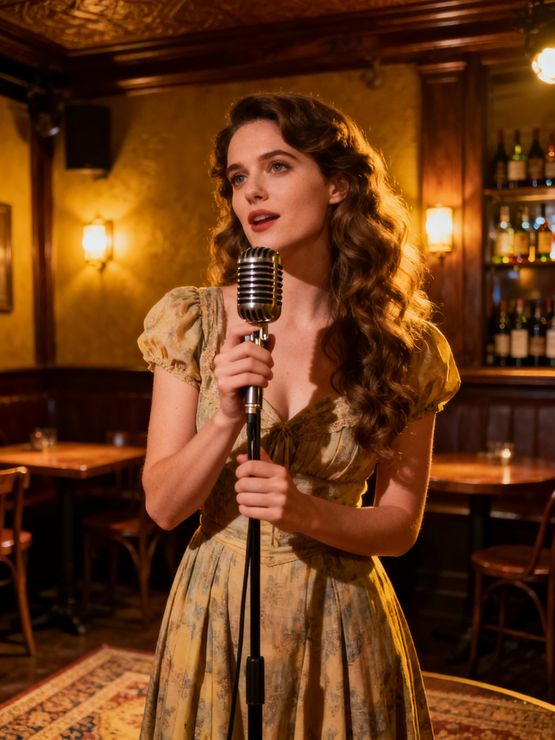
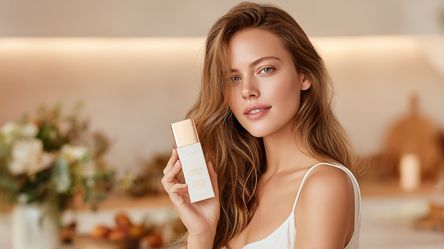
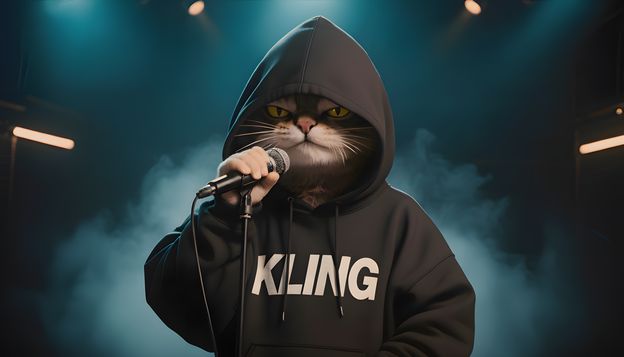
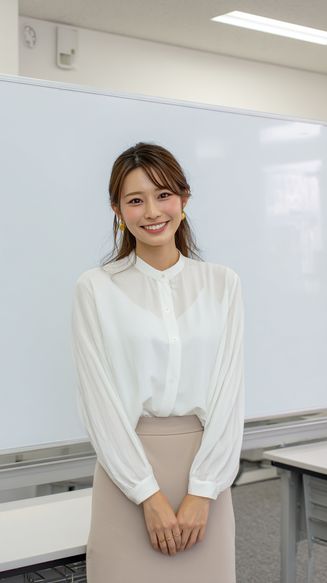
Kling Avatar 2.0 AI talking video

Kling Avatar 2.0 AI Talking Avatar Generator

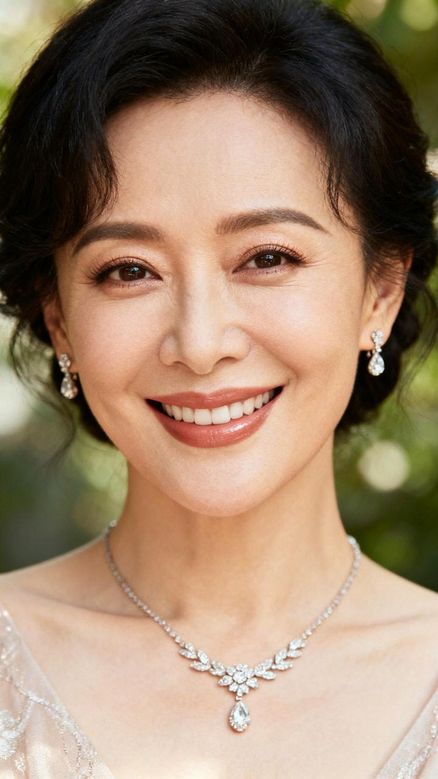
Create expressive AI talking avatar videos from a character image and voice audio. Use Kling Avatar 2.0 to make presenters, product explainers, course videos, and multilingual creator clips with realistic lip sync, emotion, and gesture control.

Loading...

What Is Kling Avatar 2.0?

Kling Avatar 2.0 is an AI talking avatar workflow for turning a portrait, character image, or branded spokesperson into a speaking video. Instead of recording a full studio shoot, creators can pair an avatar image with voice audio and guide the performance with natural language direction.

The page is designed for users searching for Kling Avatar 2.0, Kling AI Avatar, AI talking avatar video, and avatar video generator workflows. It focuses on voice-driven character presentation rather than general text-to-video generation.

Use it for educational explainers, product introductions, founder-style updates, creator videos, social ads, internal training, and localized content where a consistent face, voice, and message matter.
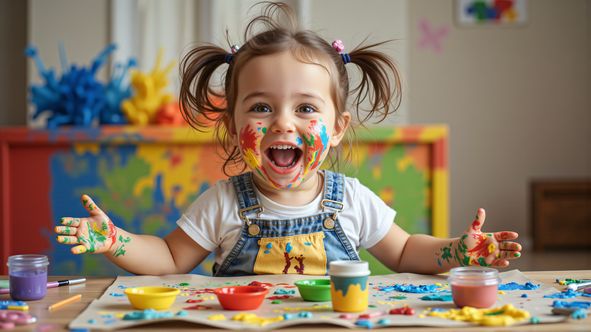
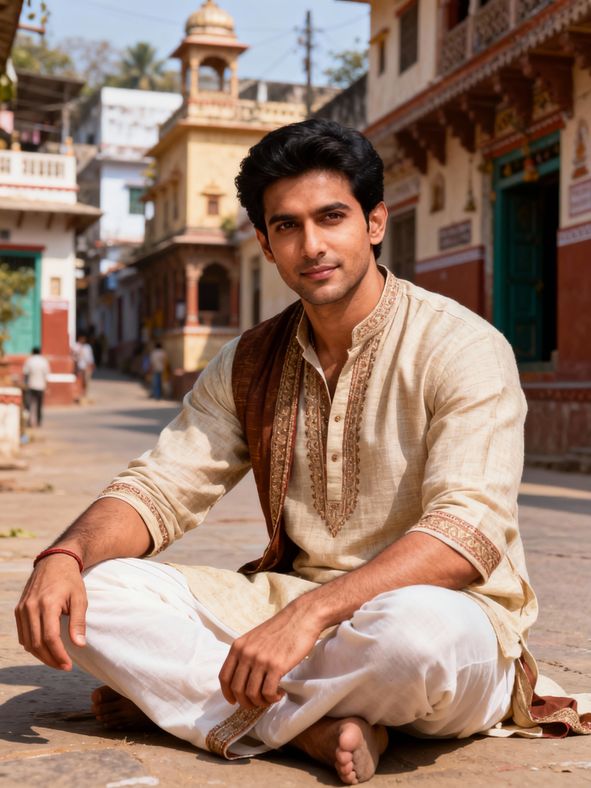
Kling Avatar 2.0 Features

1. 5-Minute Video Coverage for Long Content Scenes:

Input
Input media
Avatar Output

Create longer talking avatar scenes for product walkthroughs, course sections, brand messages, and multilingual explainers without breaking the presentation into many short clips.

2. Stable and Clear Hand Movements:

Input
Input media
Avatar Output

Keep gestures, hand poses, and speaking motions clearer during avatar delivery, especially when the character points, explains, waves, or presents a product.

3. Improved Performance and Action Quality:

Input
Input media
Avatar Output

Generate avatar performances that feel more active and natural, with stronger posture, body rhythm, head movement, and scene presence.

4. Excellent Lip Sync:

Input
Input media
Avatar Output

Match mouth movement more closely to speech timing so product explainers, educational videos, and creator scripts feel believable.

5. Support for Various Character Types:

Input
Input media
Avatar Output

Use realistic people, stylized characters, mascots, brand spokespeople, and virtual presenters for different campaign and content styles.

6. Multilingual Support (English, Japanese, Korean, Chinese):

Input
Input media
Avatar Output

Create localized avatar videos for different markets while keeping the same visual presenter and consistent brand identity.

7. Precise Control Over Emotions and Actions:

Input
Input media
Avatar Output

Guide the avatar with emotion and action prompts, including friendly explanations, excited announcements, calm tutorials, and confident sales messages.

Why Choose Kling Avatar 2.0

Talking Avatar Creation

Turn a portrait or character image into a speaking avatar for explainers, product scripts, and social clips.

Voice and Audio Sync

Use uploaded audio or generated narration as the driver for speech rhythm, lip movement, and delivery.

Prompted Performance

Describe expression, tone, gesture, and presentation style to guide the avatar performance.

Multilingual Content

Create localized avatar videos for global audiences without repeating a full video shoot.

Creator and Brand Workflows

Build consistent presenters for courses, ads, updates, tutorials, and product education.

Kling Avatar 2.0 Use Cases

Product Explainer Avatars

Use Kling Avatar 2.0 to create a presenter who explains product benefits, release updates, onboarding steps, or ecommerce selling points.

Course and Training Videos

Create instructor-style talking avatar videos for course intros, internal training, tutorials, and employee education content.

Social Media Creator Clips

Build short talking avatar videos for TikTok, YouTube Shorts, Instagram Reels, and creator channels without filming every update.

Localized Brand Messaging

Reuse one avatar identity across multiple languages, markets, and campaign messages while keeping a consistent speaker presence.

Virtual Host and Spokesperson

Create a virtual host for webinars, landing pages, product demos, community updates, or recurring announcement videos.

UGC-Style Ad Variations

Test avatar-led ad scripts, hooks, offers, and calls to action before investing in larger production or influencer workflows.

How to Use Kling Avatar 2.0

01
Upload an avatar image

Upload an avatar image

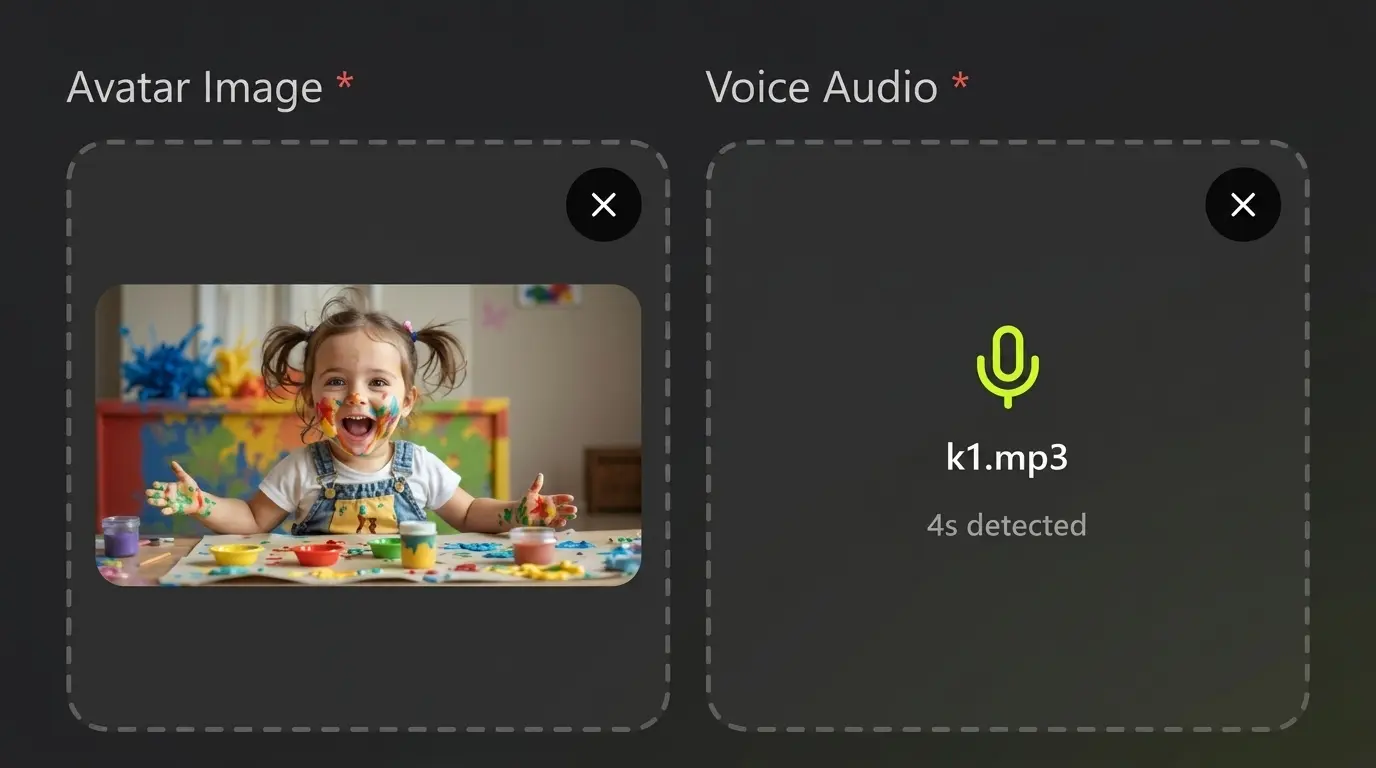
Start with a clear portrait, character image, branded host, or spokesperson-style visual. A clean face and stable framing usually produce better talking avatar results.

02
Add voice audio and performance direction

Add voice audio and performance direction

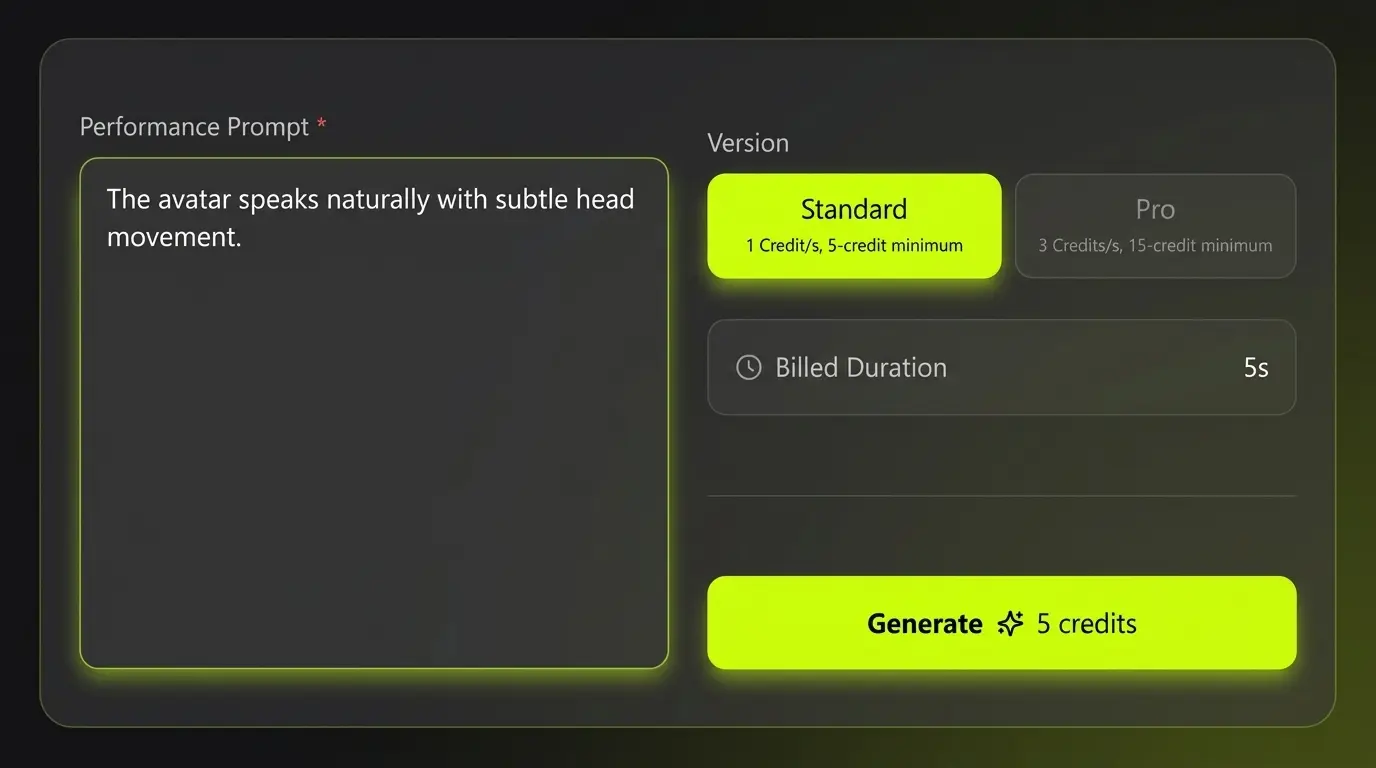
Upload or prepare the voice script. Then describe expression, emotion, hand movement, posture, and delivery style so Kling Avatar 2.0 understands the desired performance.

03
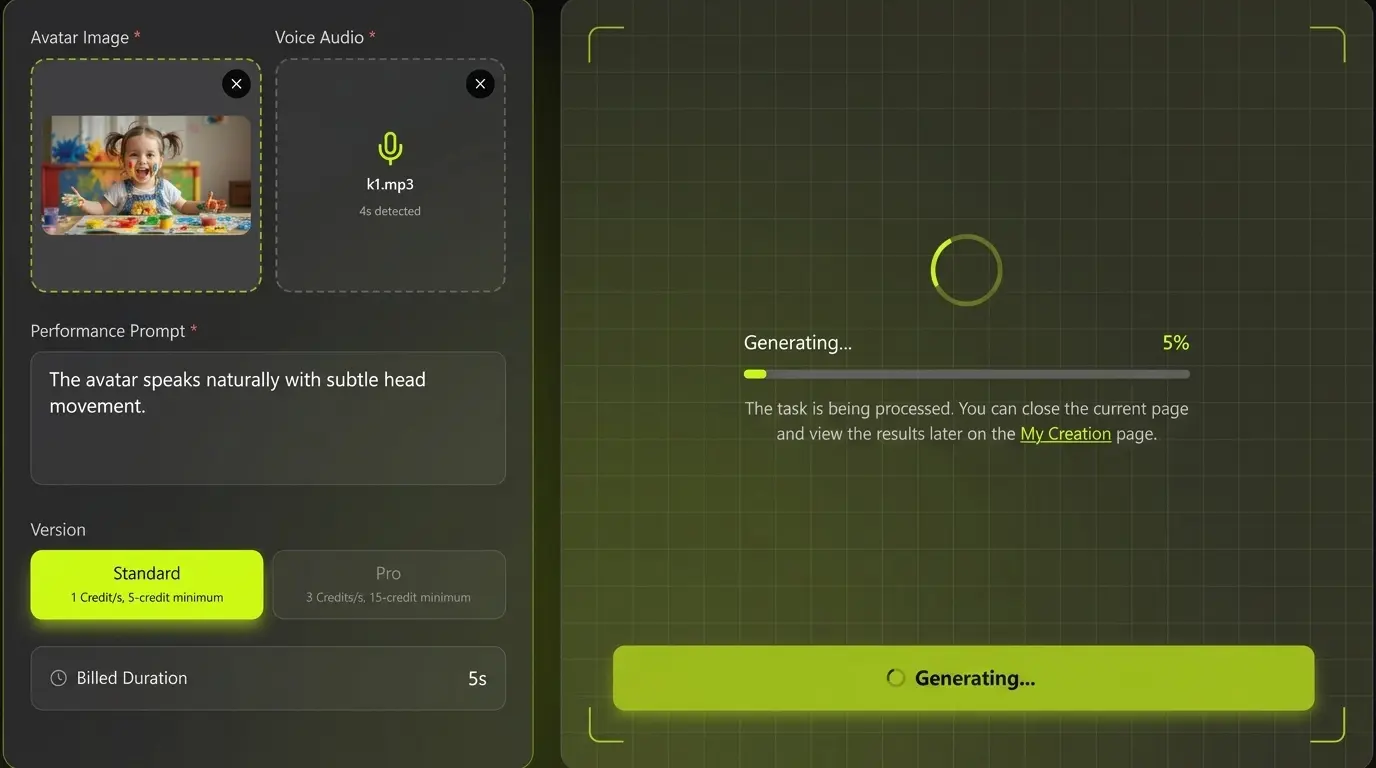
Generate and refine the talking video

Generate and refine the talking video

Review lip sync, facial expression, voice timing, and character consistency. Refine your prompt or audio direction to create stronger avatar videos for publishing.

Kling Avatar 2.0 FAQ

Kling Avatar 2.0 is an AI talking avatar workflow for creating speaking avatar videos from a character image and voice audio. It is useful for presenters, explainers, product videos, education, and multilingual content.

Ready to create talking avatar videos with Kling Avatar 2.0?

Prepare a character image, add a voice track, and turn your message into an expressive avatar video for ads, education, social media, or product communication.