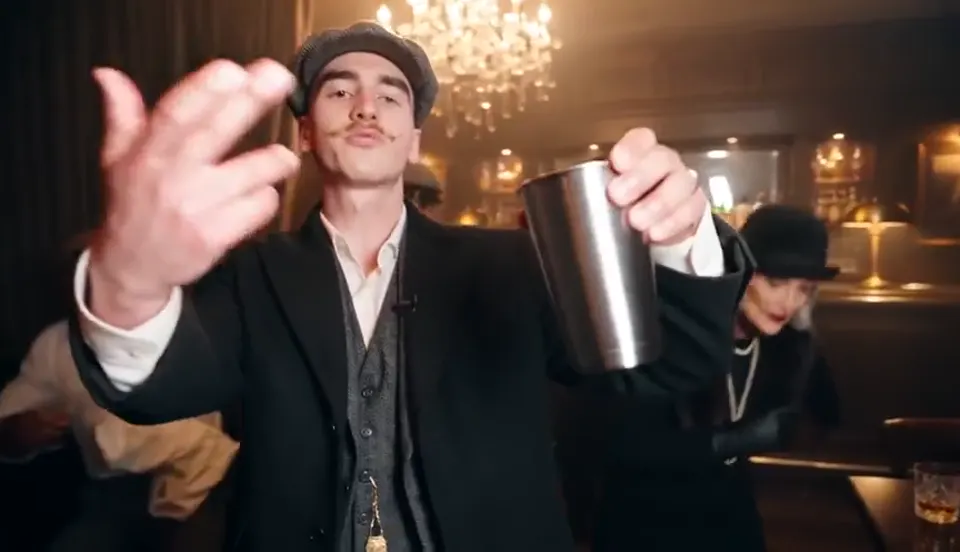
Step into a chandelier-lit party with a silver cup in hand. Turn one portrait into a reference-guided performance, from the first reach toward the camera to the final toast.
Your performer
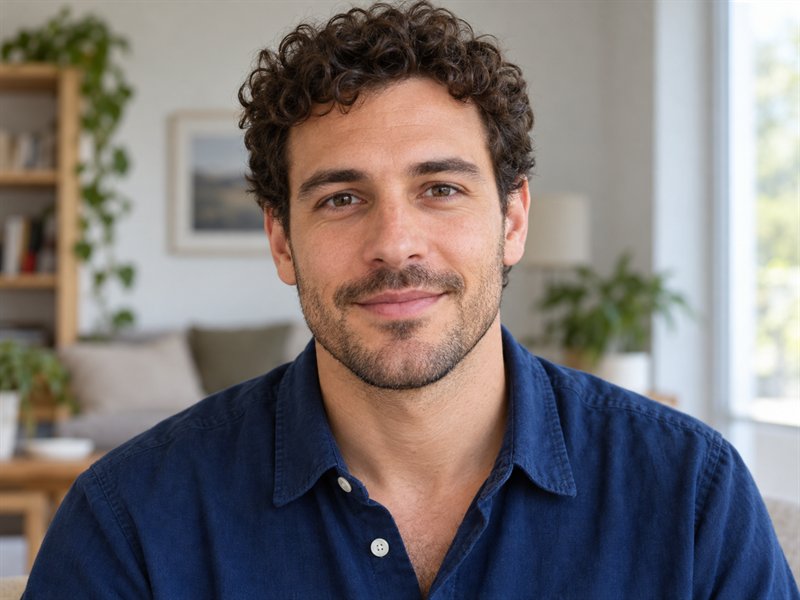
Face the camera, one person, good light, face and upper body visible. No sunglasses or heavy filters.
Duration
Resolution
0.5
What is the Burning Bridges AI video generator?
The Burning Bridges look brings a lead character into a packed indoor celebration. Warm light, gestures toward the lens and a cup raised to the crowd give the scene its familiar rhythm.
Bring a clear portrait. The reference clip supplies the action and camera direction, so you can start without filming a performance or assembling a timeline.
How to make a Burning Bridges AI video
01
Upload one clear photo
Choose a well-lit photo with one person and an unobstructed face.
02
Set length and resolution
Select a duration and resolution, then check the displayed credit cost.
03
Preview and save the result
Watch the result, check the movement and sound, and save your video.
Why Create a Burning Bridges AI Video with Kling Motion?
Use a photo of yourself or an adult who has consented. The Burning Bridges AI video generator pairs your portrait with a prepared party template and Kling 4.0 to create a new lead performance.
Generate a Burning Bridges Trend Video from One Photo
Upload an authorized portrait, choose 10, 20 or 30 seconds and a resolution, then review the credit cost before generating. The reference video and scene instructions are already prepared. Generation time varies with the queue and processing; preview your completed performance in History before downloading.
Recreate the Music Video's Signature Moves and Camera Motion
Kling Motion reads a preset reference video and replaces the protagonist while following the reference's general sequence of the storyline. Capture the recognizable energy of the Burning Bridges music video with reference-guided video generation. AI can follow the original performance's movement sequence, expressive hand gestures, pacing, and camera motion to create a familiar party atmosphere with a new lead character.
Put Yourself or a Friend in the Spotlight
Make a Burning Bridges dance video with one clear portrait of yourself or an adult who has agreed to appear. Your photo supplies the lead identity, while the prepared party template guides the performance and background crowd. Preview the result to check how the new lead fits into the scene.
Maintain Character and Object Consistency Throughout the Video
This Burning Bridges studio uses Kling 4.0 with a fixed party template. A clear portrait helps guide facial features and appearance during the performance. Review the face, hands, cup and clothing in the finished video; visual details can vary between generations. Choose the output duration and resolution in the editor.
Which photo works best for a Burning Bridges AI video?
Use one clear photo of the person you want to feature. JPG, PNG, or WebP files up to 10 MB are accepted; the party crowd is generated automatically.
Works well
One person, facing the camera
Face sharp and fully visible
Even light, no heavy filters
The face and shoulders are clearly visible
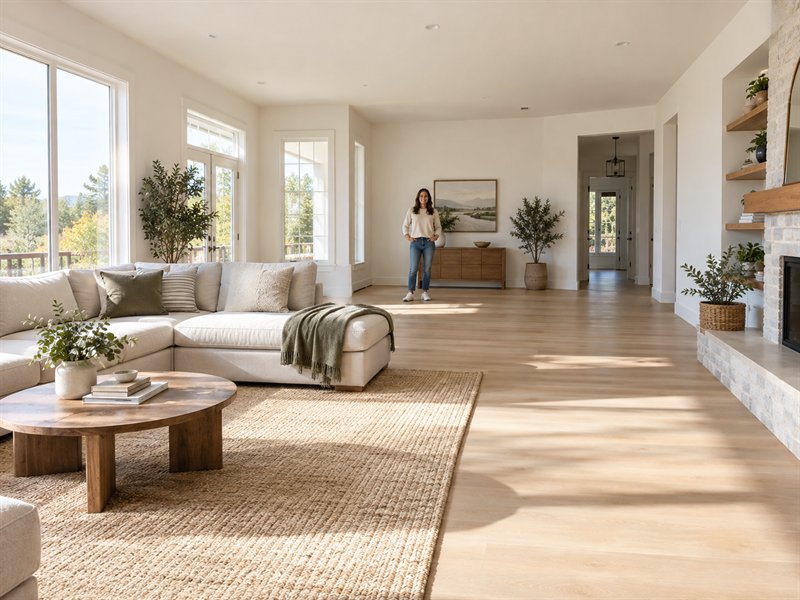
Face too small
Choose a sharp photo where the face and shoulders are easy to see.
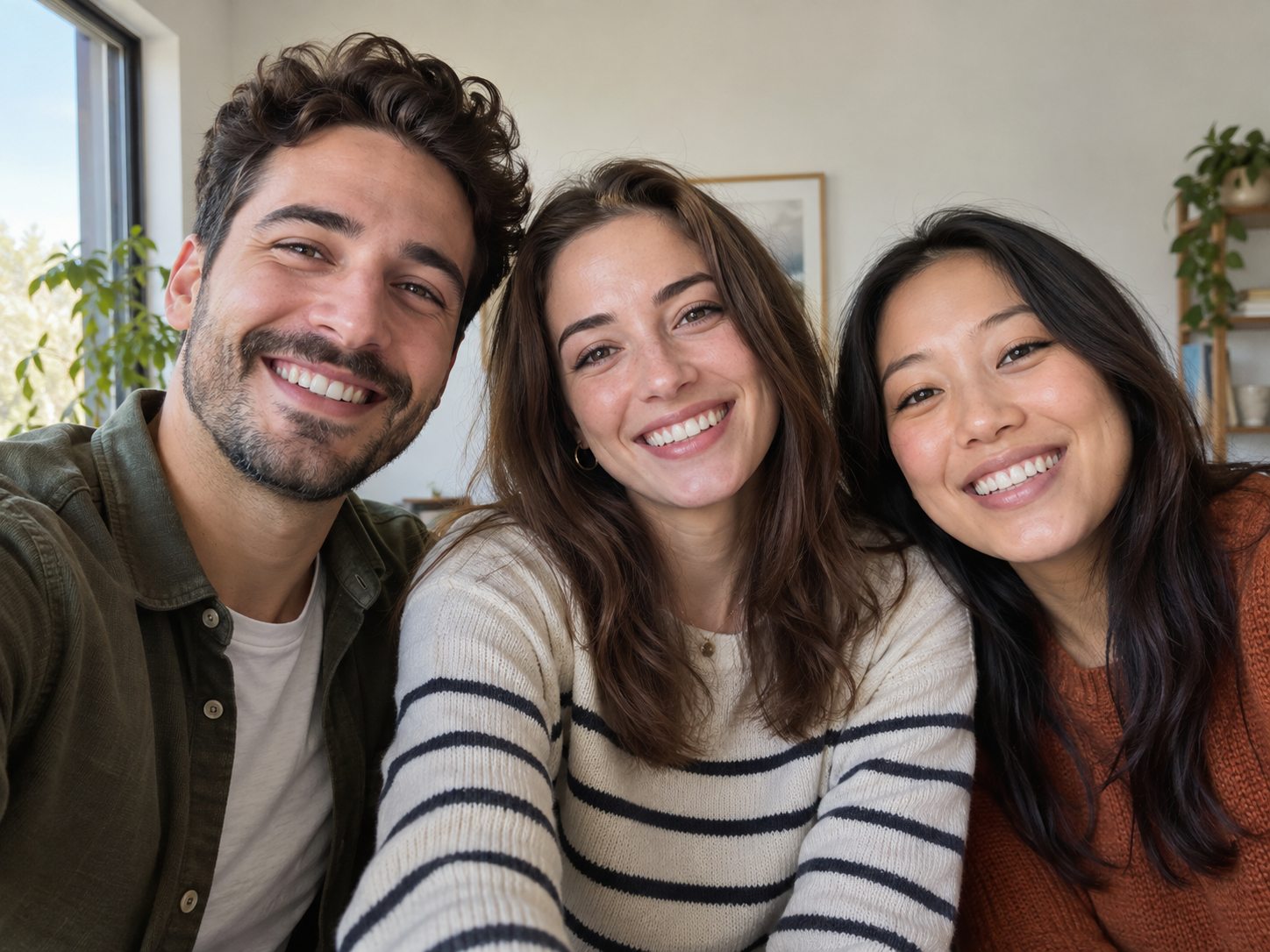
Group photo
Several faces can make the intended lead unclear. Upload one person per video; this example is illustrative, not a required pose.
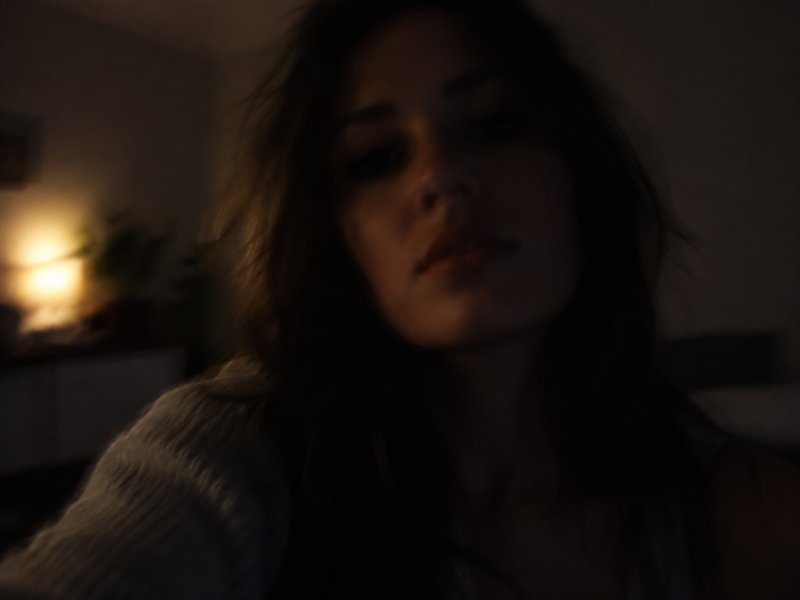
Too dark or blurry
Soft focus, deep shadows and strong filters hide facial details. Choose a bright, sharp photo instead.
Burning Bridges AI character ideas
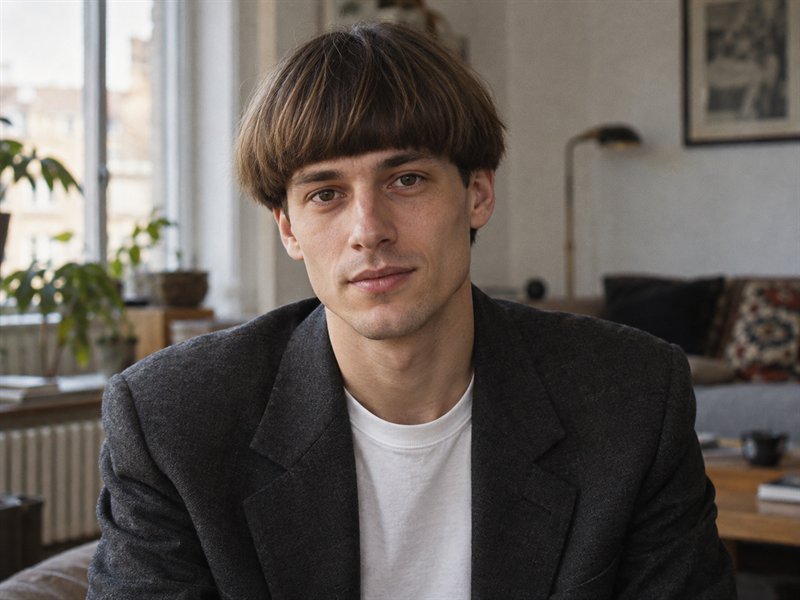
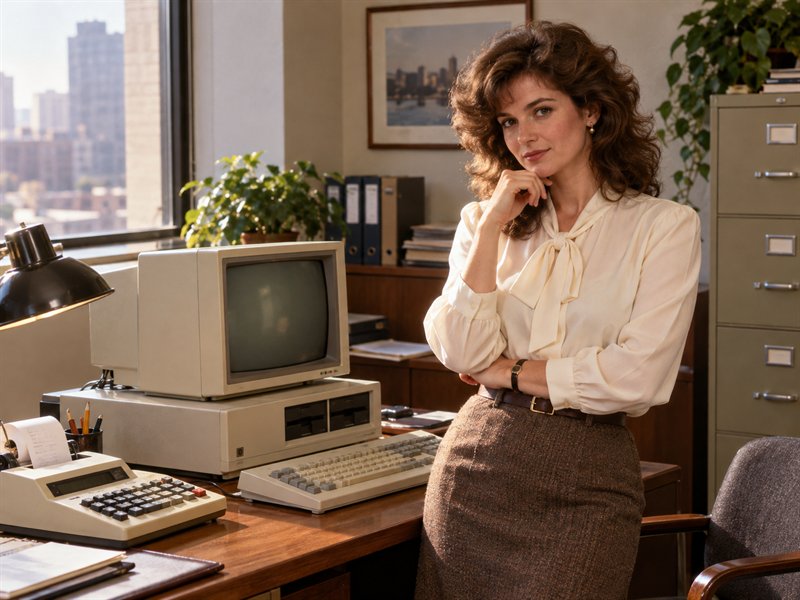
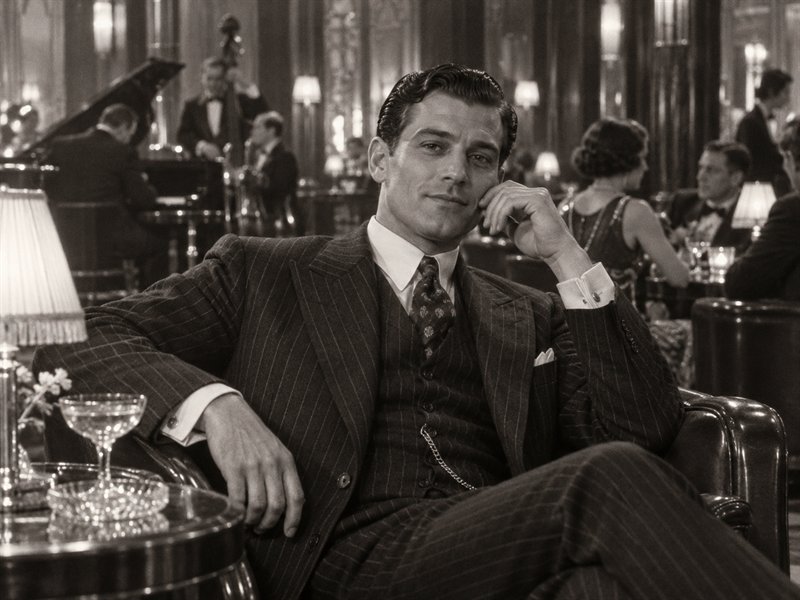
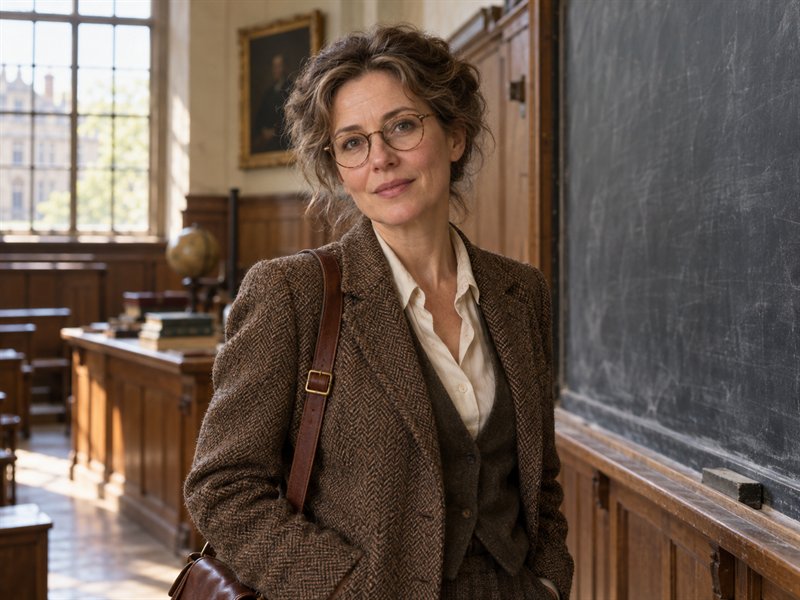
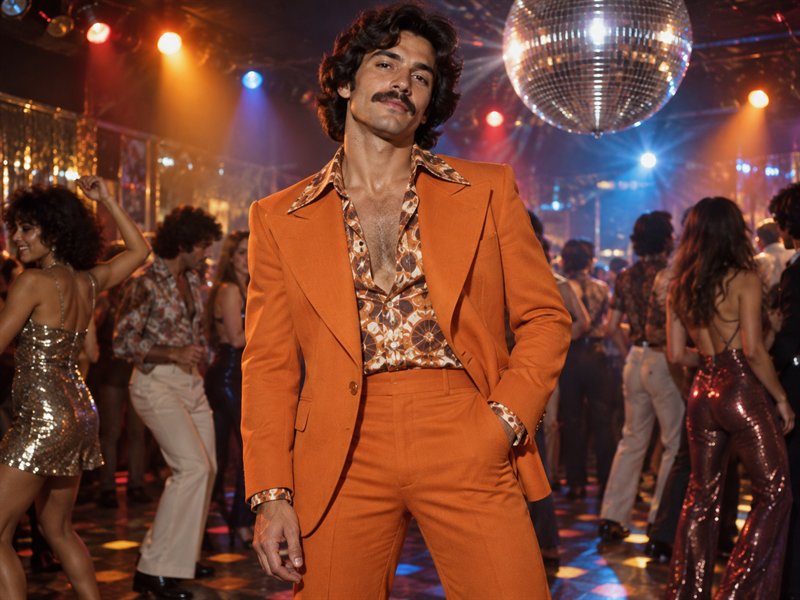
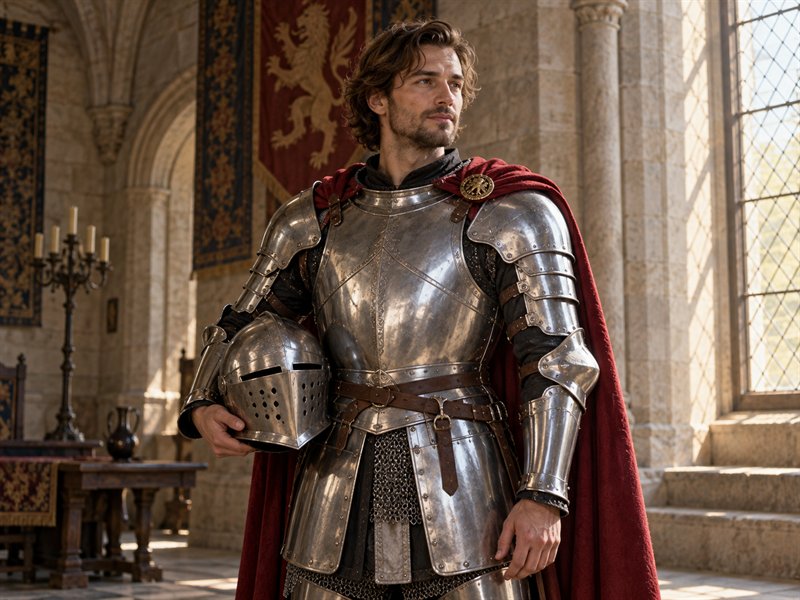
Visual ideas for your portrait, not selectable presets. The photo you upload defines your lead.
Bowl cut and blazer
Retro office technologist
1920s gang boss
Vintage lecturer
70s disco look
Knight off duty
Burning Bridges AI Video Generator FAQ
What is the Burning Bridges AI Video Generator?
The Burning Bridges AI Video Generator turns one portrait into a party-scene performance with a chandelier-lit room, a silver cup and a lively crowd. Your photo supplies the lead identity while a reference clip guides the movement.
How do I make a Burning Bridges AI video from my photo?
Upload one clear portrait, choose the duration and resolution, and review the credit cost before generating. The party reference and scene instructions are already supplied.
What photo works best for a Burning Bridges AI video?
Upload a sharp, well-lit portrait with one person facing the camera. JPG, PNG and WebP files up to 10 MB are accepted. Keep the face unobstructed and avoid group photos, heavy filters and motion blur.
Can I add my friends' faces or choose a different room?
This studio uses a fixed party scene and accepts one lead portrait. The model, scene instructions and template are preset. Background guests cannot be assigned separate uploaded identities, and there is no room or model selector. You can choose the output duration and resolution.
How long can my Burning Bridges AI video be?
Choose a 10-, 20- or 30-second video in landscape 16:9. Resolution and credit costs follow the options shown in the Kling 4.0 editor.
Does the Burning Bridges AI Video Generator include audio?
Source audio is enabled in this studio. Listen before publishing; access to a reference video does not grant a music license. Use audio you have permission to share.
Can I share my generated video?
The composition is landscape 16:9. Reframe it in an editor for a vertical post if needed. Use portraits with permission and check the destination platform’s rules.
Is this an official Drake product?
No. This is an independent creative tool and is not affiliated with or endorsed by Drake or the music rights holders.