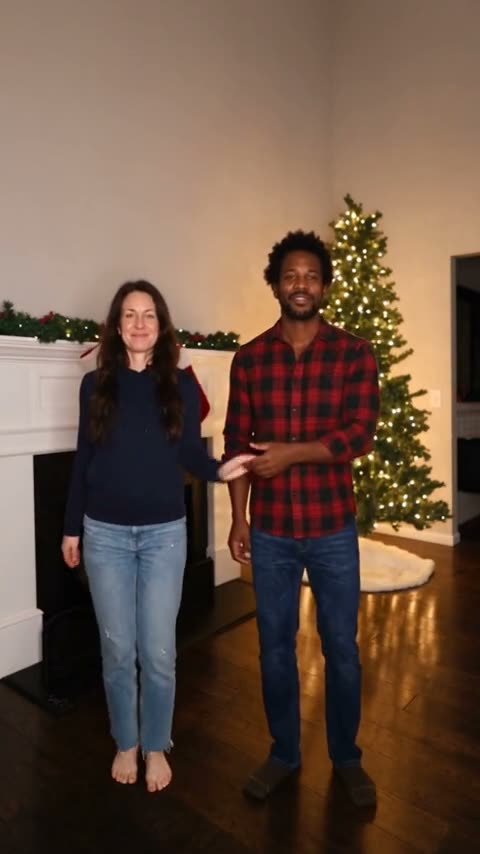
Couple Duo
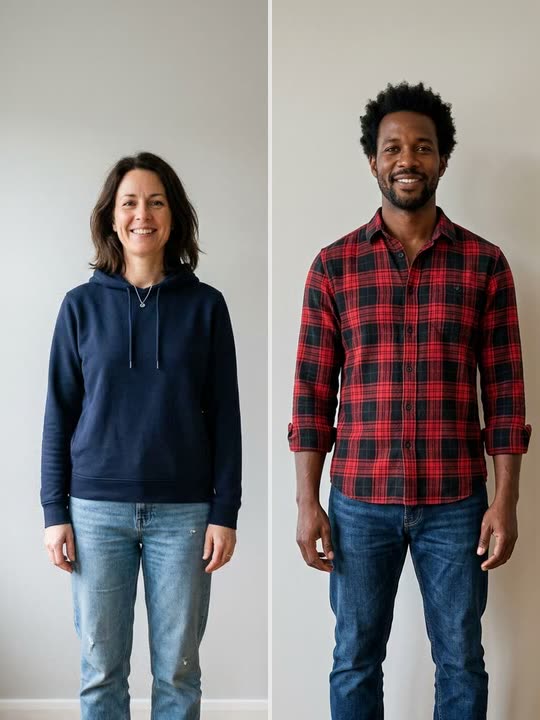
Two portraits become a shared performance by the tree. Use the sample to check how the left and right roles line up with the photos.
Put yourself in a Christmas dance video. Add two photos for a Deck the Halls duet, or use one photo to dance by the tree or become an elf in Santa’s workshop.
Couple Duo
Two reference photos
Dance together beside a fireplace and a lit Christmas tree.
Every December, feeds fill up with Christmas dance videos: coworkers, parents and friends busting a move in front of a glowing tree. Turning a photo into a dancing holiday greeting has been an online tradition since the mid-2000s, back when it meant a cartoon elf body with your face pasted on top. A Christmas Dance video is the modern version: a short vertical clip in which a real-looking you performs the whole routine.
Christmas Dance AI is an AI Christmas dance video generator with four routines. Elf Dance is the quickest way to turn yourself into an elf: the model keeps your face and hair, dresses you in a full elf costume with the pointy hat and ears, and sets the AI elf dance in Santa’s workshop. Christmas Party keeps your own outfit and puts you in a decorated living room, the classic family Christmas dance. Couple Duo and Kitchen Duo take two photos and recreate the viral Deck the Halls duo dance, with its trending sound. Every style gives you a real-looking clip from your own photos, no green screen or Christmas dance filter needed.
See the input photos beside the finished sample for each template. Compare the casting, framing, and setting before trying a routine with your own photos.
Two portraits become a shared performance by the tree. Use the sample to check how the left and right roles line up with the photos.
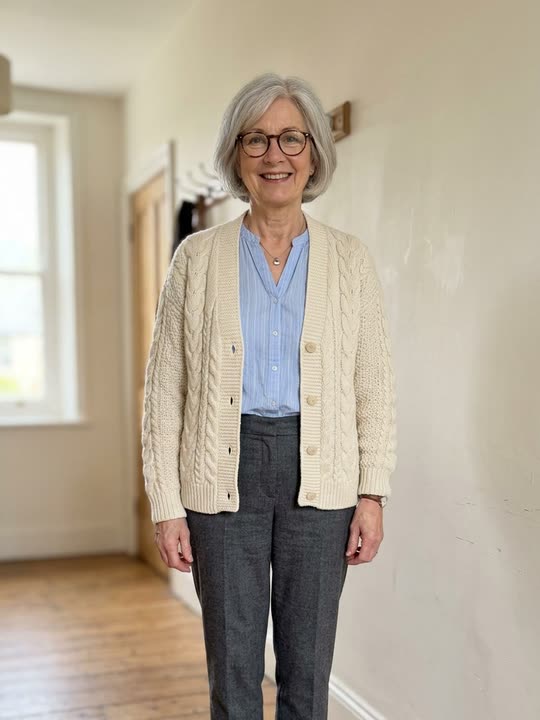
A single portrait guides the dancer’s appearance while the workshop template supplies the costume, setting, and steps.
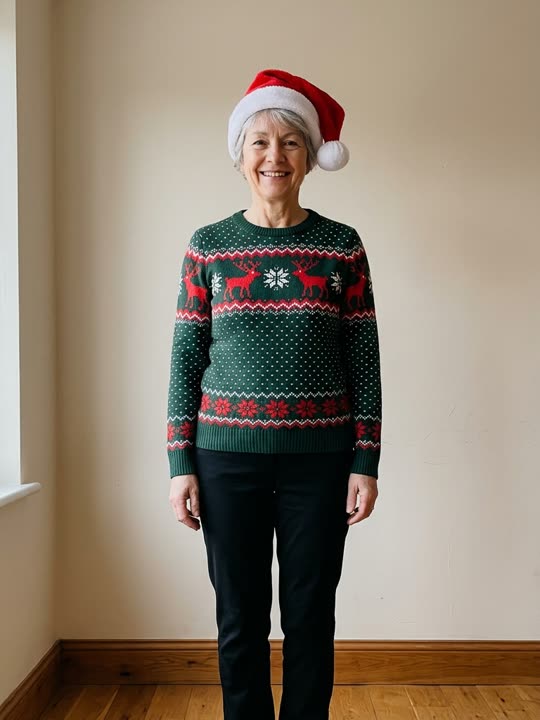
A single dancer performs beside the tree. This template is designed for keeping the outfit from your photo in the scene.
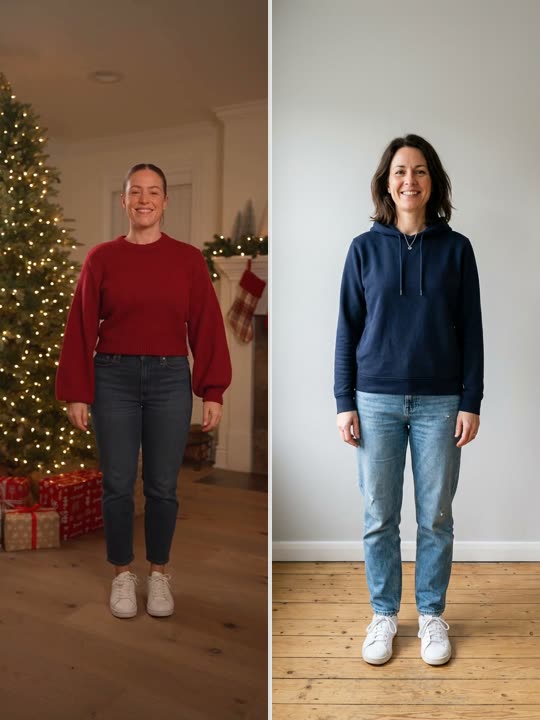
Two photos cast the dancers in a brighter kitchen scene. Watch the example to see how much space the routine leaves between them.
Use Couple Duo for a greeting from partners, siblings, or friends. Pick photos with a similar camera angle so each dancer starts with a clear reference.
Use Elf Dance for a short costume reveal. A clear portrait works well when the elf outfit is part of the joke.
Choose Christmas Party and use a photo that shows what you are wearing. An upper-body or full-length reference gives the model more of the outfit to work with.
Choose Kitchen Duo for a casual holiday scene. Decide who goes on the left before uploading the two photos.
| Step | Filming it yourself | Christmas Dance AI |
|---|---|---|
| Cast | Bring both dancers together for a duet. | Upload one separate photo for each dancer. |
| Scene | Set up the room, lighting, and camera position. | Choose a scene from the four templates. |
| Movement | Rehearse the routine and record matching takes. | Preview the chosen performance clip for movement and timing. |
| Review | Check the footage and edit the take you want. | Watch the generated video in History before sharing. |
Watch the clip through once at normal speed. Pause where a dancer turns or lifts a hand across their face to check that the likeness stays recognizable.
Compare the left and right dancers with their input photos. If either face is hard to recognize, try a sharper photo with more even light.
Look at the clothing you want carried over and how it reads in the vertical frame. A photo showing the relevant parts of the outfit gives the model a clearer reference.
Choose a holiday routine, add your cast, and preview the finished dance in History.
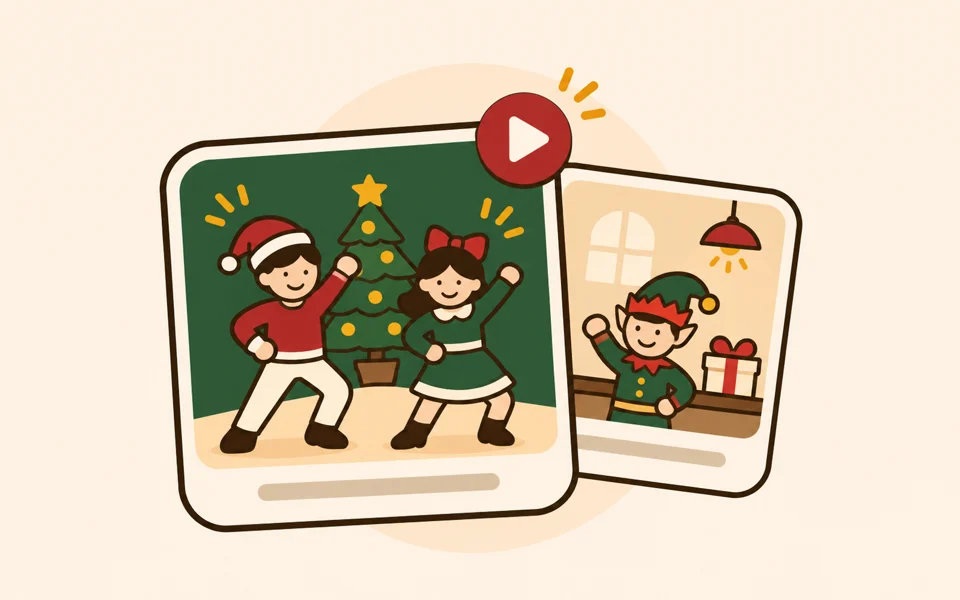
Play the reference clip in the editor. Choose a solo or a duet based on the number of people you want in the scene.
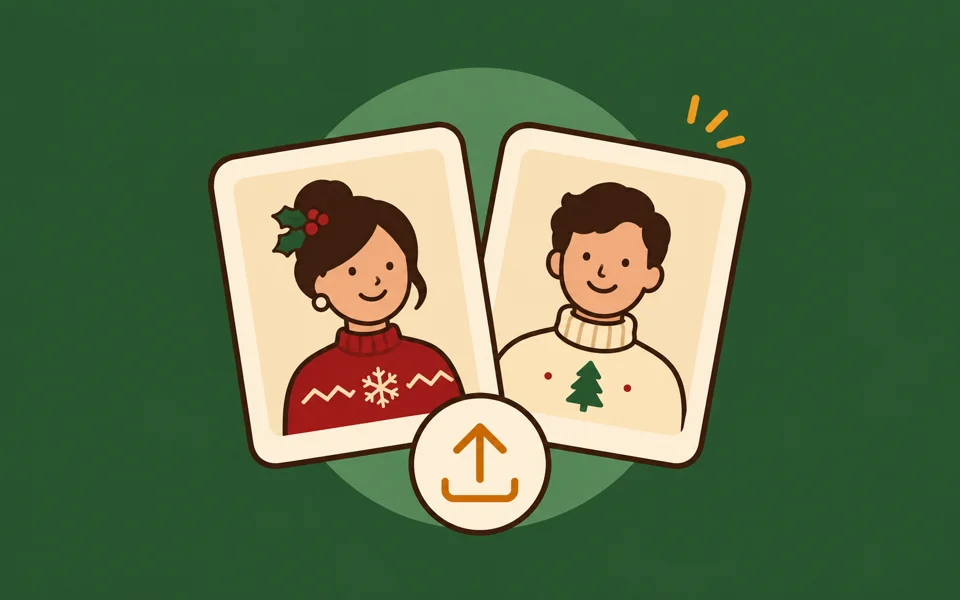
Use a JPG, PNG, or WebP under 10 MB for each person. For a duet, put each portrait in its intended left or right slot.
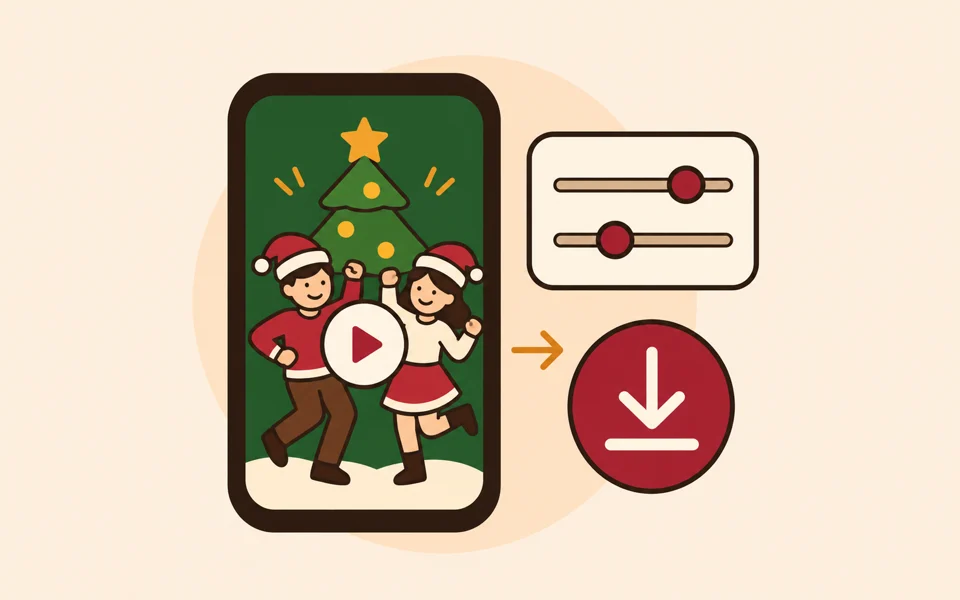
Choose 480p, 720p, or 1080p and check the credit estimate on Generate. Open History to watch the result once the task finishes.
Buy a one-time credit pack for solo and duet videos. The Generate button shows the estimated credits for your template and resolution.
Choose one-time credits • Flexible billing options
Taxes may apply based on your location and will be calculated at checkout.
Elf Dance and Christmas Party each use one photo. Couple Duo and Kitchen Duo use two. Upload the two people in separate files.
Yes. The left and right upload slots set the intended roles in both duet templates.
The four templates already include a reference performance with the dance steps and camera framing. Start with your photos.
Use a sharp, well-lit photo with one person and a clear view of their face. If the outfit matters, choose a photo that also shows the relevant clothing. The uploader accepts JPG, PNG, and WebP files up to 10 MB.
Elf Dance puts the dancer in a workshop scene and directs the model to use the elf costume. Christmas Party is designed to carry over the outfit from your photo.
The selected performance clip sets the length. The two solo routines run for about six seconds, and the duet routines run for about 14–15 seconds.
The preview label rounds to the nearest second. Billing rounds up, so a reference clip slightly over 15 seconds is billed as 16 seconds.
Open the History tab beside Inspirations. After generation finishes, the result appears there for playback.
Pick a routine, add one photo per dancer, and turn your holiday idea into a clip you can watch and share.
Open the Christmas dance editor